Welcome to our blog post about possible integrations with Webflow! As experts in building Webflow websites, we want to make sure our clients always get the best possible solutions for their online presence. Our framework, Webflow, lets you connect your new website directly to well-known web apps and tools without much effort. In this article, we will look at the following tools:
- Zapier (workflow automation)
- Weglot (AI-assisted website translation)
- Mailchimp (email and newsletter marketing tool)
- Typeform (complex forms)
- Google Sheets (data collection)
- Salesforce (CRM)
- Memberstack (member portals)
- Stripe (online payment interface)
Webflow: the secret weapon for an impressive online presence for SMEs and startups!
Webflow is the ideal content management system (CMS) for small and medium-sized enterprises (SMEs). It makes it possible to implement sophisticated, custom designs quickly. If you are looking for a custom website with a modern design, Webflow is the right choice for you!
Webflow combines the advantages of a website builder with the flexibility of a professional web developer. With this unique software, we can quickly develop custom websites for our clients that would normally only be possible with laborious hand coding. Webflow reduces the complexity of development and therefore significantly lowers the costs for our clients, so that they get a custom website at an affordable price.
It is important, however, not to see Webflow as just a simple website builder. It is much more a simplified version of common web programming languages such as HTML5, CSS3 and JS. To exploit Webflow's full potential, knowledge of classic web development and programming is an advantage. With Webflow, you can essentially achieve the same as with the work of one or more programmers, but with just a few clicks instead of manually typed code.
Supercharge your website: take advantage of Webflow's top integrations!"
Webflow offers a wide range of integrations to extend the functionality of your website and give your clients an even better experience. Here is a list of the integrations we use most and what they do?
Zapier (workflow automation)
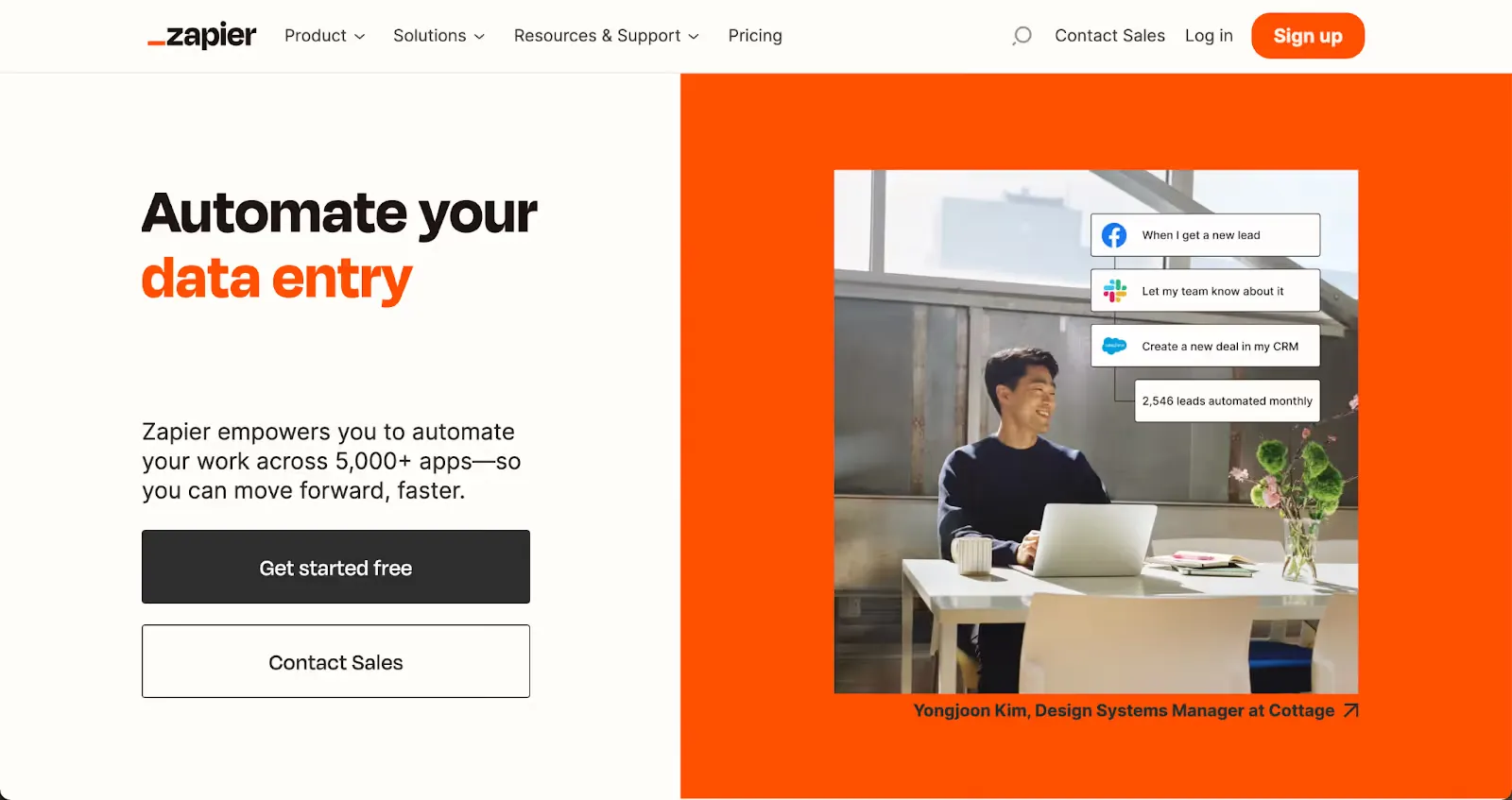
By integrating Zapier, you can automate tasks and workflows between Webflow and other applications. Zapier lets you transfer data and information between different apps to make your work more efficient. For example, you can automatically transfer new Webflow form data to a Google Sheets document or send email notifications when certain events occur in Webflow. With Zapier, you save time by eliminating manual steps and increase your productivity.
Weglot (AI-assisted website translation)
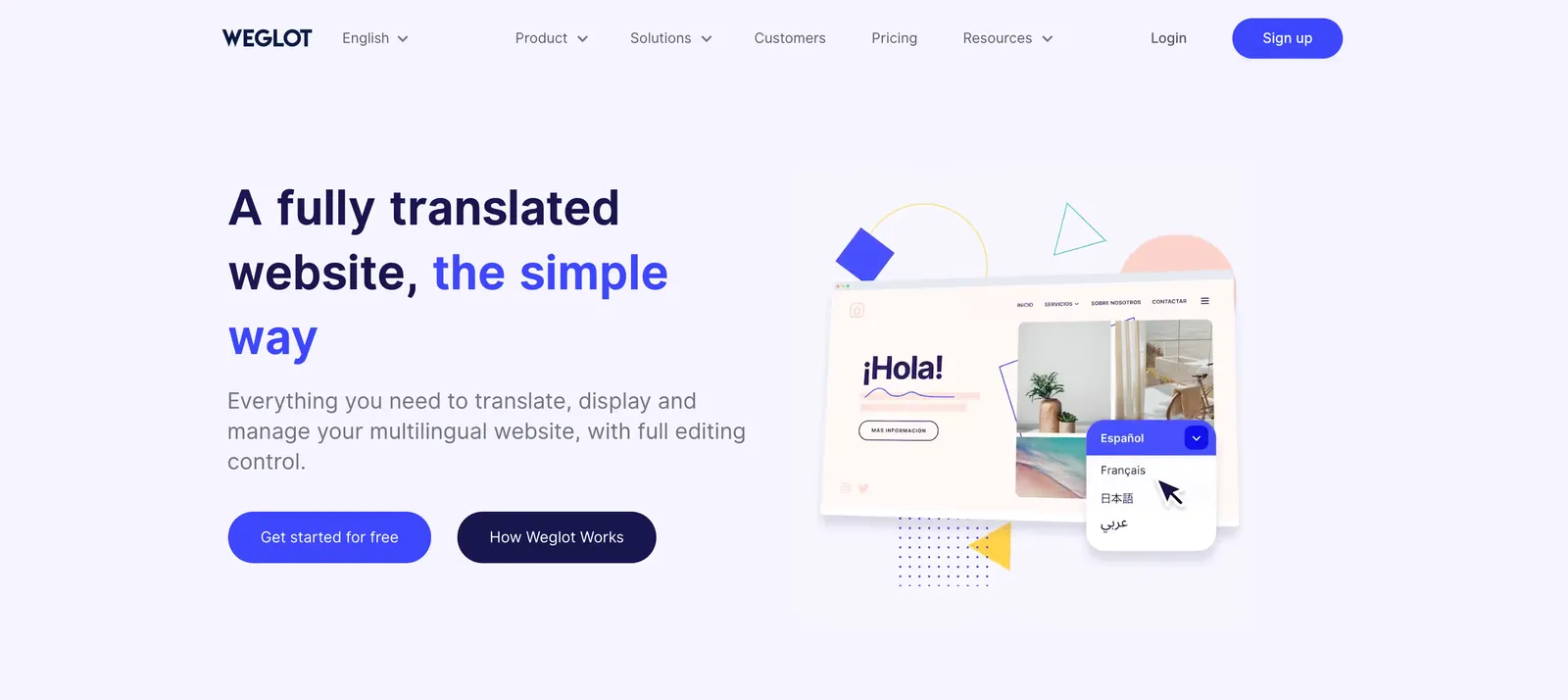
Integrating Weglot makes it easier to translate your Webflow website into different languages. Weglot uses powerful AI technology to translate your content automatically and adapt it to the target audience. You can offer your website in several languages to address an international audience and reach the global market. With Weglot, you save time and resources on manual translation and at the same time improve your website's usability for international visitors.
Mailchimp (email and newsletter marketing tool):
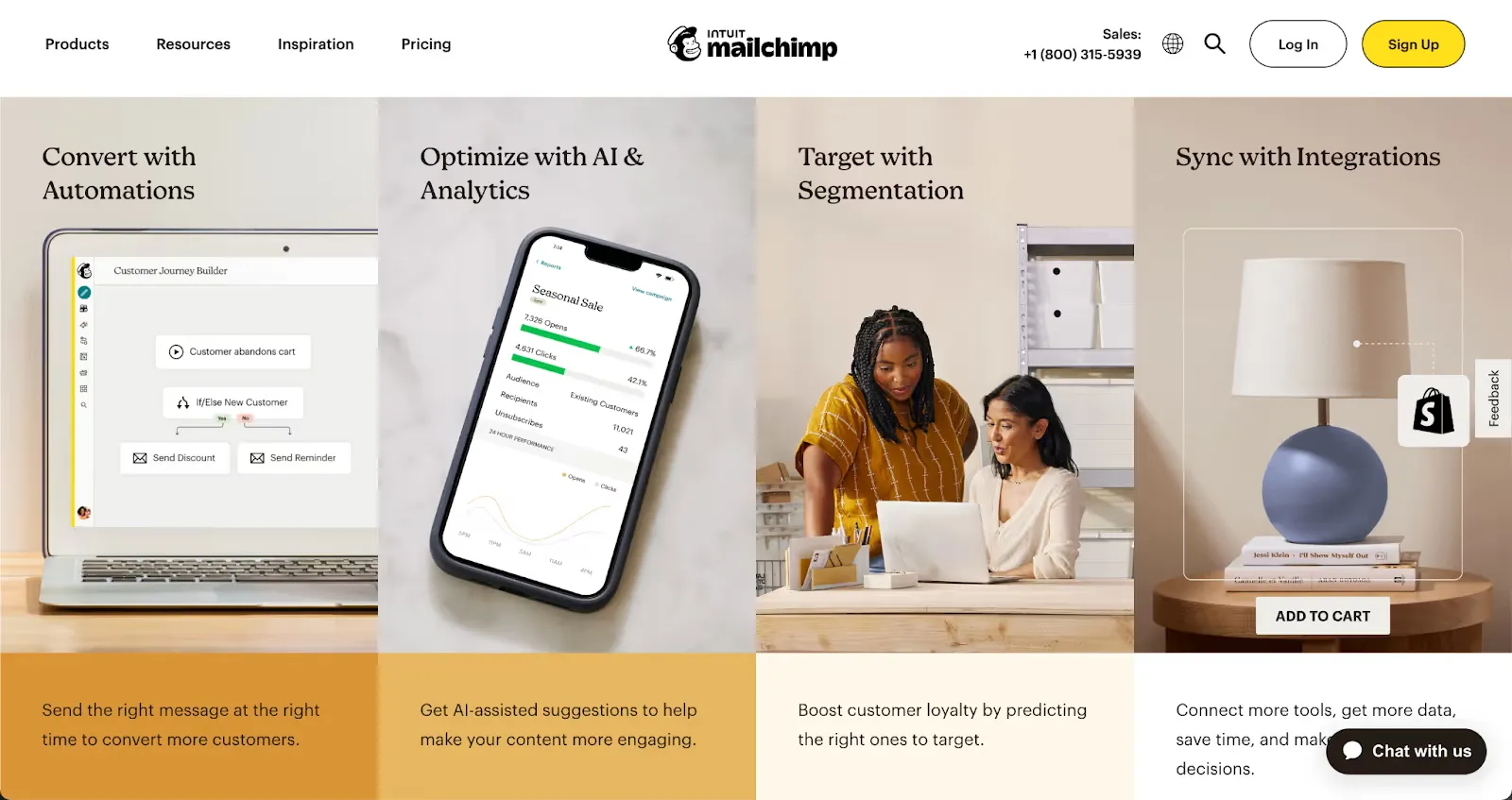
By integrating Mailchimp, you can incorporate your email marketing campaigns seamlessly into your Webflow website. You can manage your email subscribers, create targeted marketing campaigns and send automated emails to improve customer loyalty. Mailchimp offers comprehensive features for segmenting your subscribers and tracking the success of your campaigns. With this integration, you can optimise your marketing activities and build effective communication with your customers.
Typeform (complex forms)
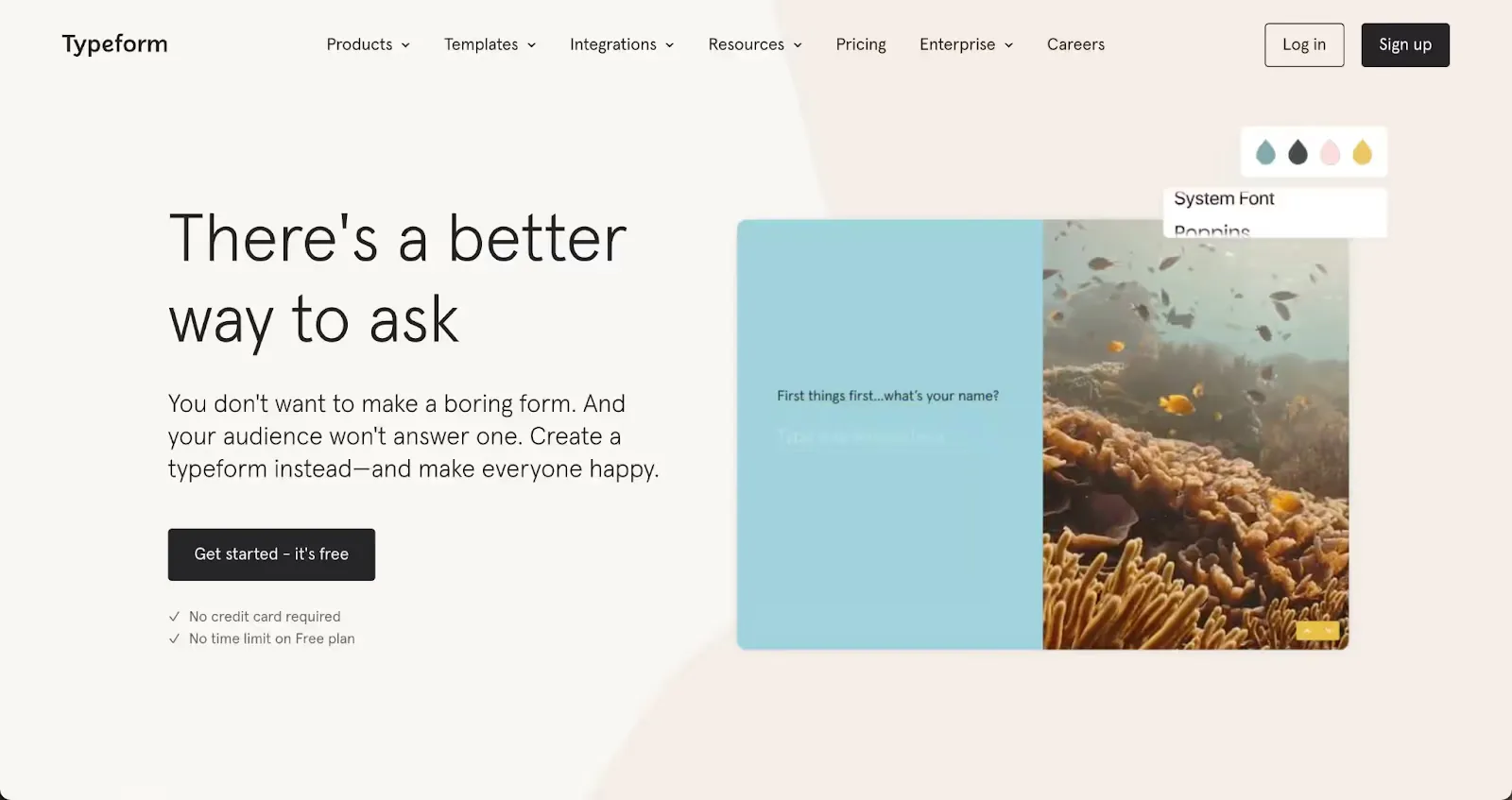
Integrating Typeform lets you create attractive, interactive forms on your Webflow website. Typeform offers a user-friendly interface that lets you create complex forms without programming knowledge. You can use various field options such as multiple-choice questions, drop-down menus and rating scales to collect extensive data from your visitors. Typeform also lets you create custom designs for your forms and manage the collected data easily.
Google Sheets (data collection)
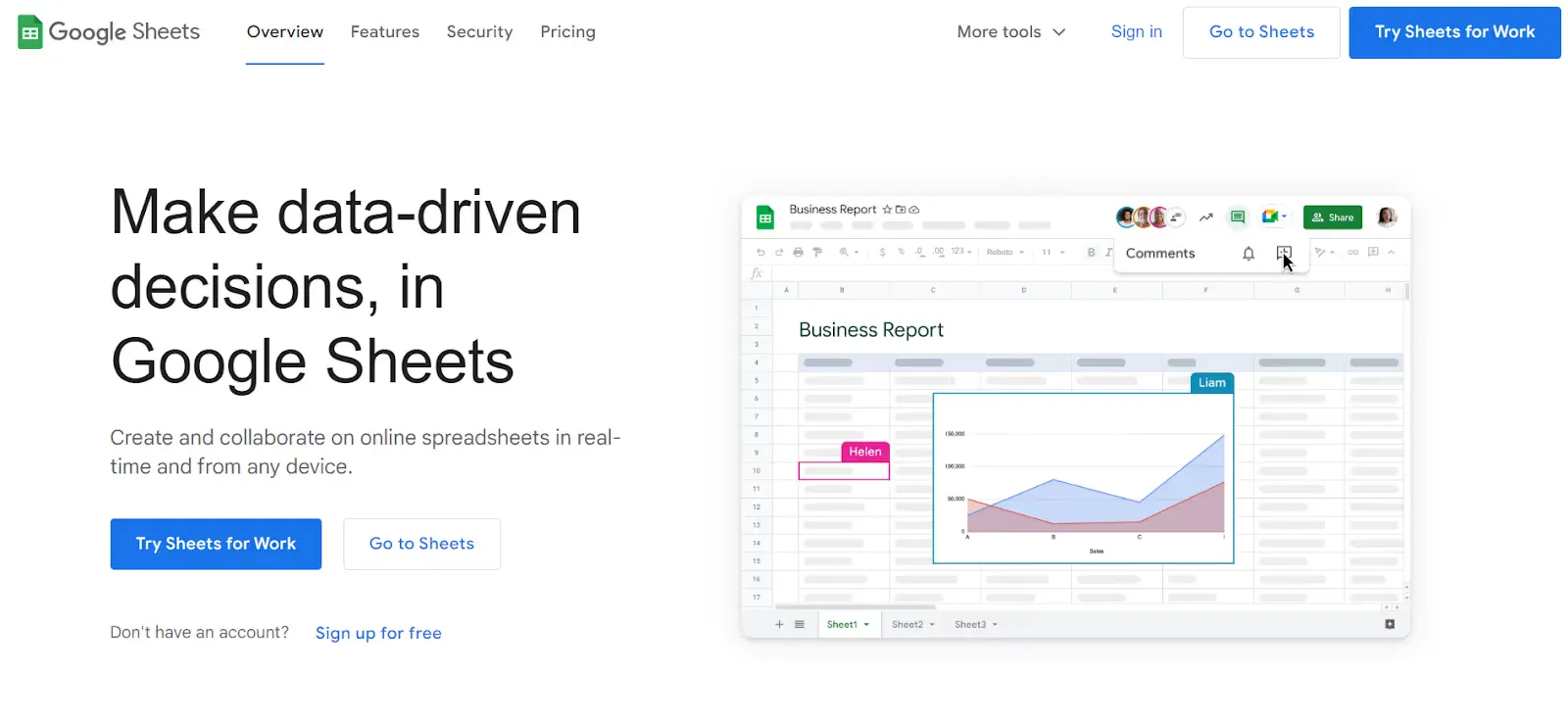
By integrating Google Sheets, you can collect data on your Webflow website in real time and store it in Google Sheets. For example, you can automatically transfer Webflow form data to a Google Sheets document so that data can be collected and managed centrally. With Google Sheets, you can analyse data, create reports and work together with your team. This integration makes data capture easier and lets you manage important information efficiently.
Salesforce (CRM)
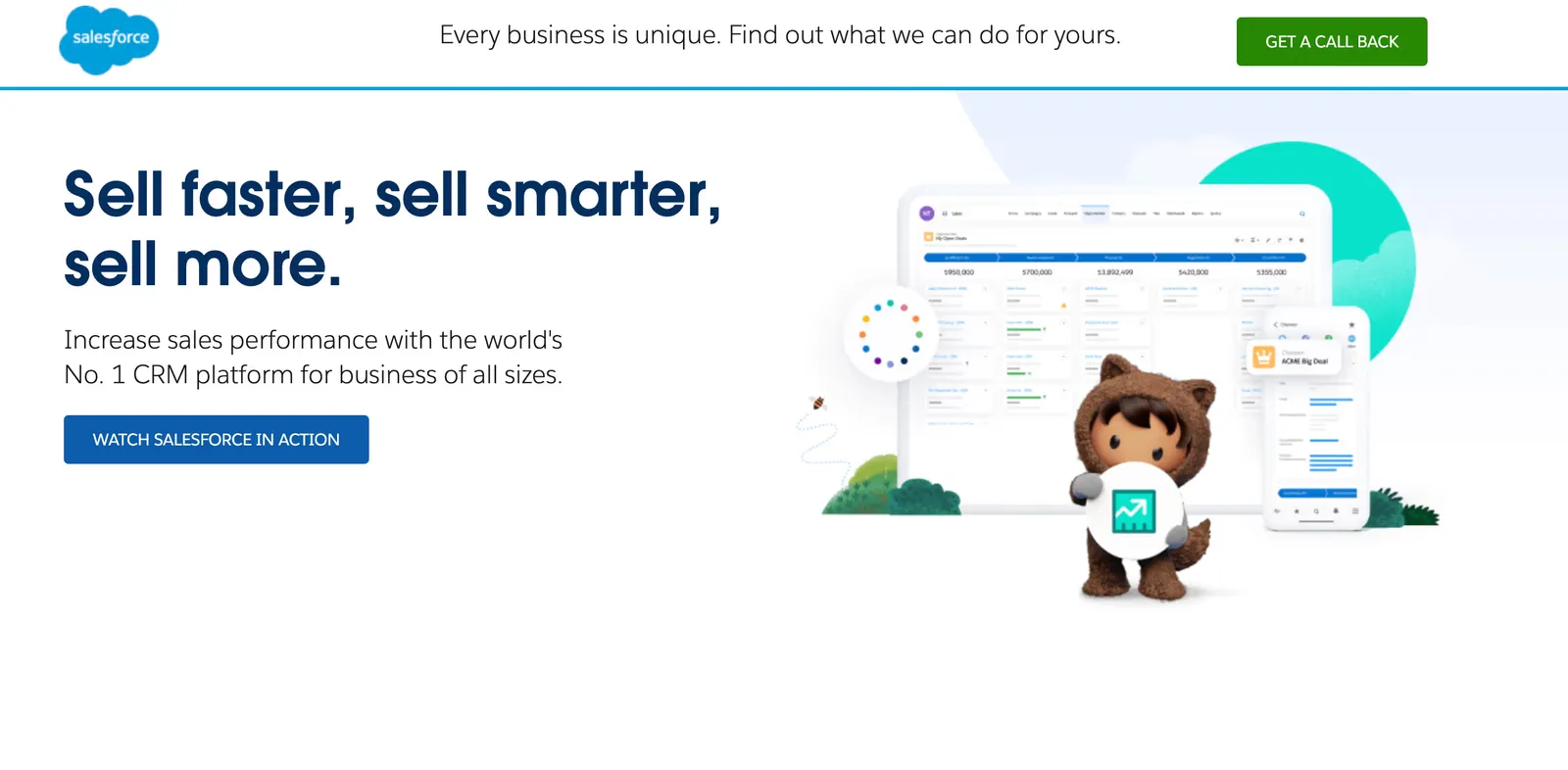
By integrating Salesforce, you can connect your Webflow website seamlessly to a powerful customer relationship management (CRM) system. You can capture leads and customer data, track sales activities and optimise customer support. Salesforce offers advanced features for managing customer relationships and lets you develop effective sales and marketing strategies. By integrating Salesforce into your Webflow website, you can understand your customers better and offer a personalised customer experience.
Memberstack (member portals)
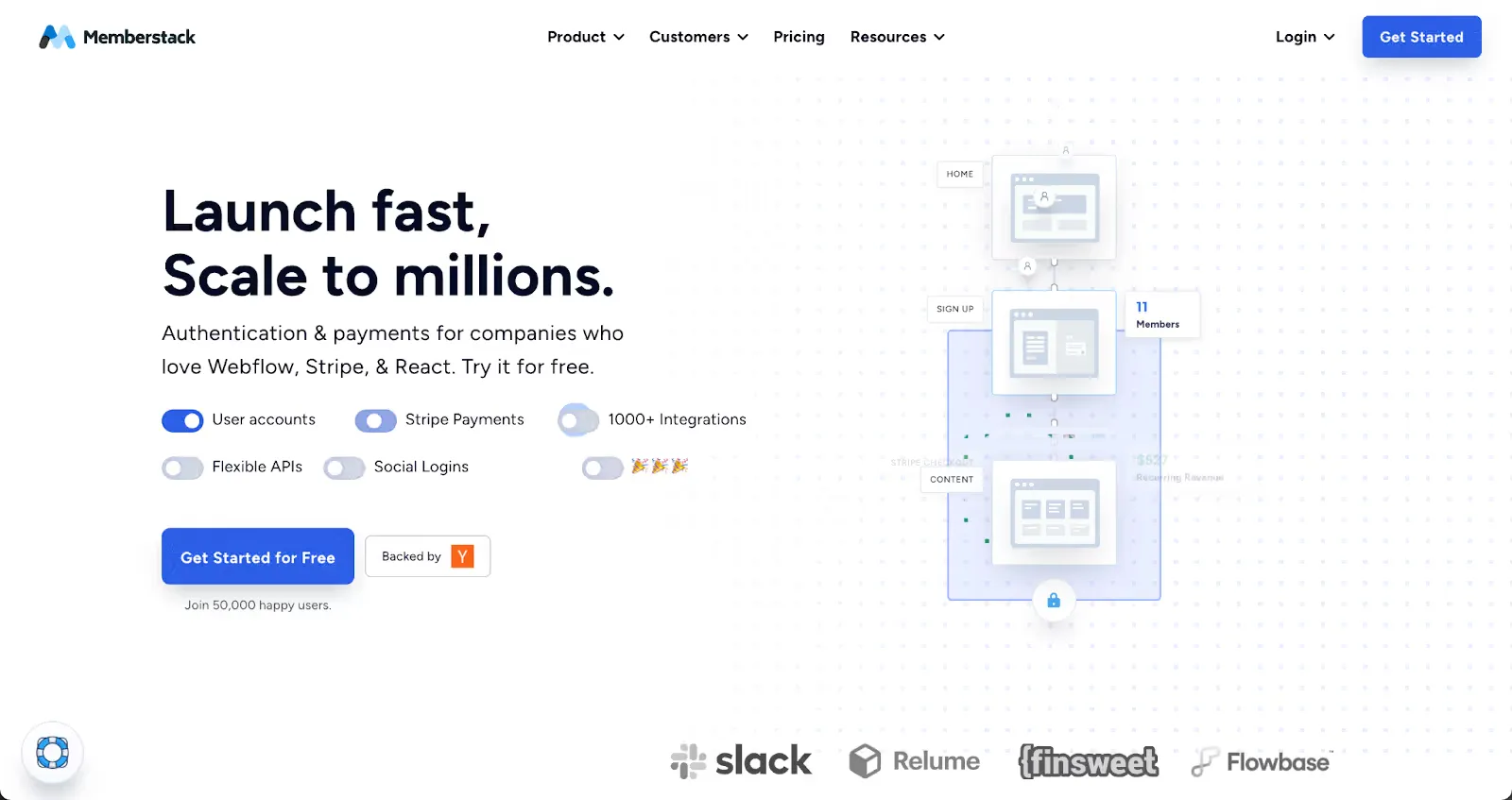
Integrating Memberstack lets you create and manage member portals on your Webflow website. You can set up member areas, create user accounts and restrict access to certain content. Memberstack offers a user-friendly interface and advanced features such as member registration, subscription management and access permissions. With this integration, you can build an exclusive community and offer your members a personalised experience.
Stripe (online payment interface)
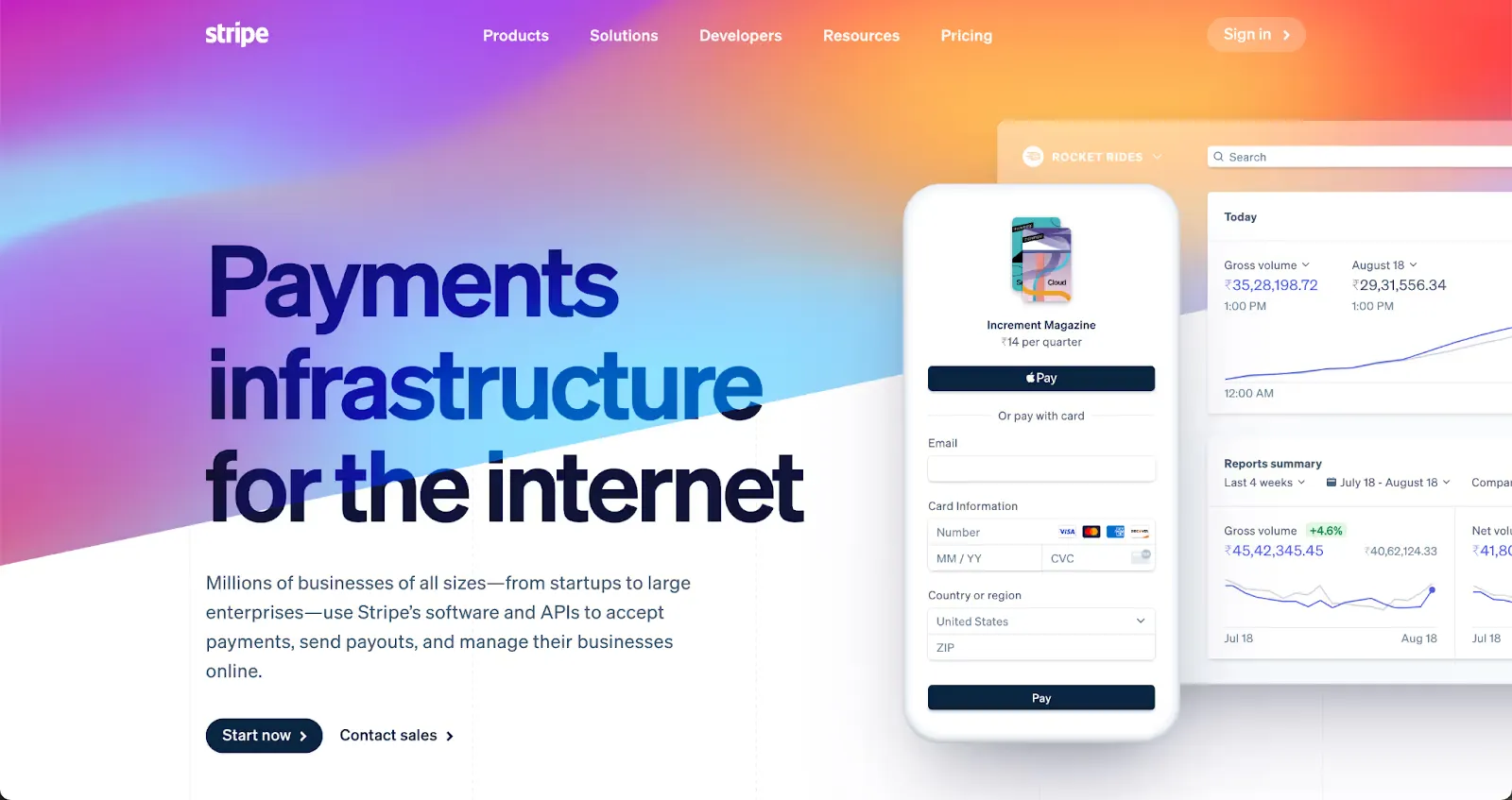
By integrating Stripe, you can accept payments on your Webflow website securely and reliably. Stripe supports a wide range of payment methods and currencies, so you can offer your customers a seamless online payment experience. You can manage subscriptions, set up recurring payments and process transactions securely. Stripe offers advanced security features to protect your customers' payment data. With this integration, you can expand your online business and generate revenue.
Facebook Pixel (Facebook marketing tracking)
By integrating the Facebook Pixel, you can collect valuable data about the behaviour of your website visitors. The Facebook Pixel is a tracking code that lets you track conversions, run remarketing campaigns and analyse user behaviour on your website. By connecting your Webflow website to the Facebook Pixel, you can optimise your Facebook advertising campaigns and target your audience precisely. You get detailed insights into user behaviour and can adapt your marketing strategy accordingly.
Google Analytics (traffic analysis)

Integrating Google Analytics gives you comprehensive insights into your website's traffic and user behaviour. With Google Analytics, you can measure the success of your marketing campaigns, analyse conversion rates and understand user behaviour. You get detailed reports and analyses that help you optimise your content, improve the user experience and optimise your website for higher conversion. By connecting your Webflow website to Google Analytics, you can make data-driven decisions and drive the growth of your online business.
PayPal (online payment)
Integrating PayPal lets you offer your customers a secure, convenient payment method on your Webflow website. With PayPal, your customers can make payments quickly and easily and in different currencies. The integration simplifies the payment process and gives you seamless transaction management. You can track payments, manage orders and offer your customers a trustworthy payment solution.
Google Workspace (email)
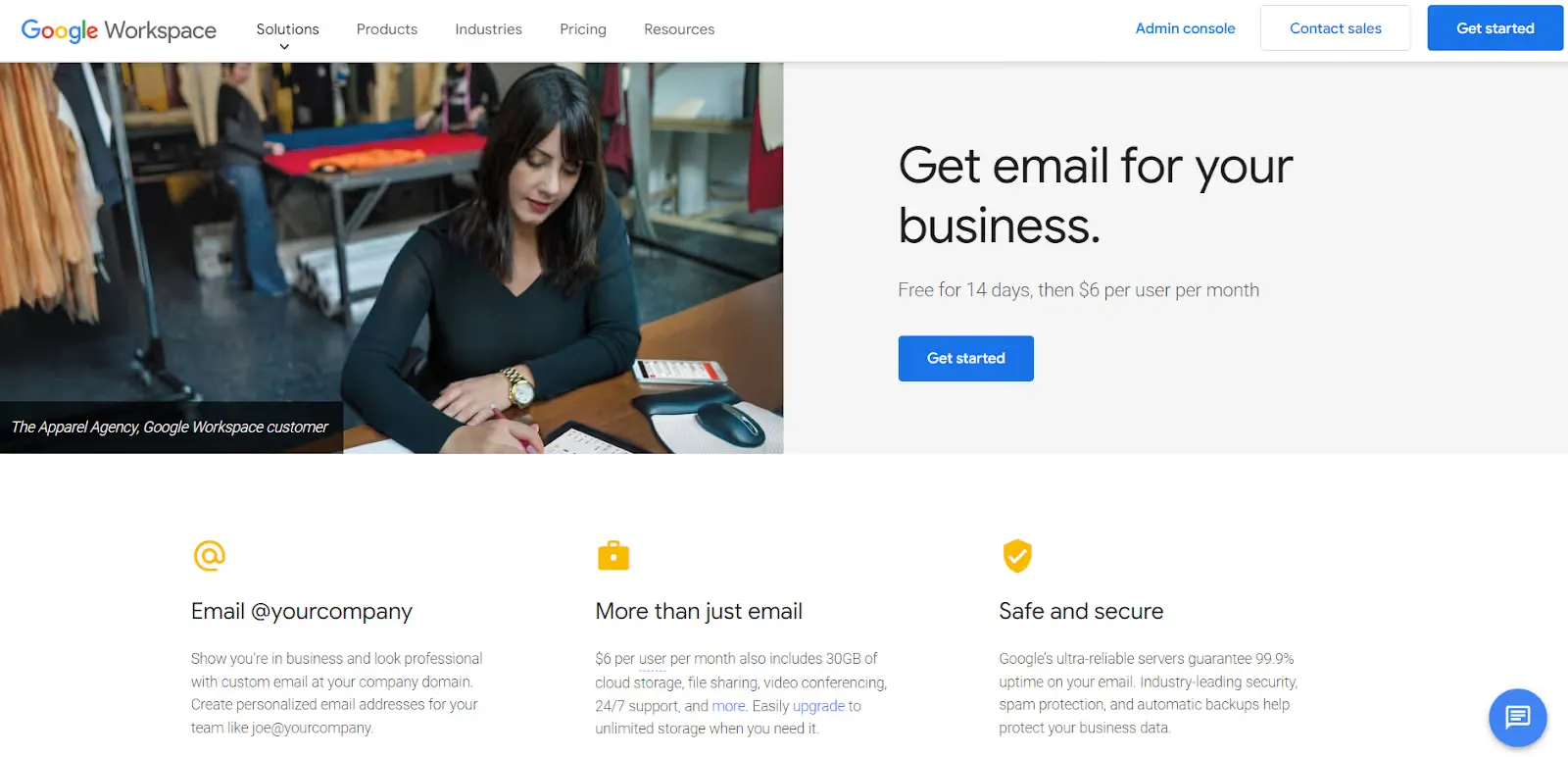
Integrating Google Workspace (formerly G Suite) connects your Webflow website with Google's powerful productivity tools. You can create custom email addresses to ensure professional communication with your customers. You can also create and share documents, spreadsheets and presentations and collaborate on them in real time. With Google Workspace, you improve team communication, increase productivity and create an efficient working environment for your business.
Calendly (online appointment scheduling)
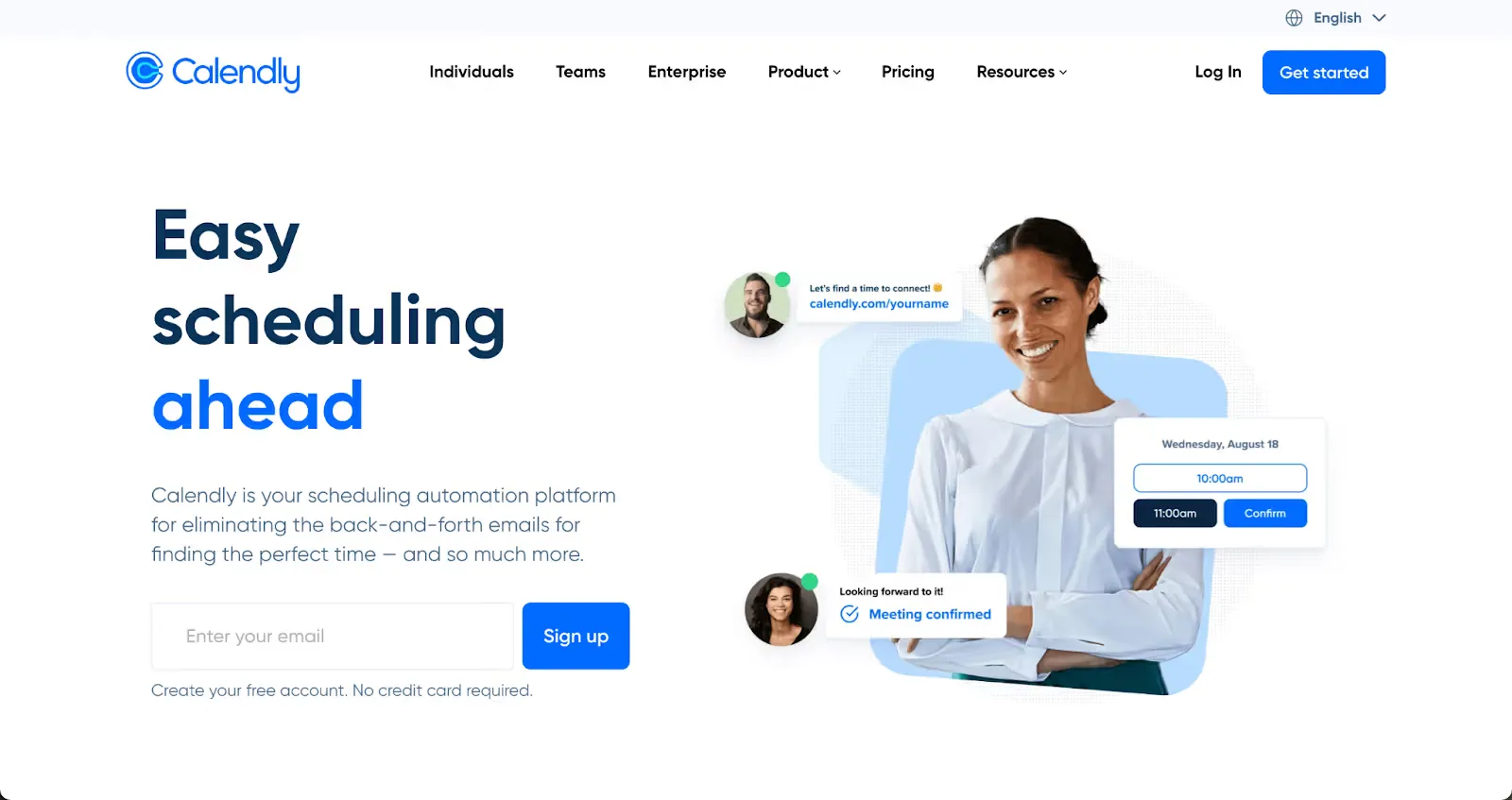
By integrating Calendly, you can simplify scheduling and managing appointments on your Webflow website. You can give your visitors the option of booking meetings and appointments directly on your website. Calendly syncs with your calendar and lets you set availability, send automated reminders and make scheduling seamless. This integration saves time, reduces scheduling hurdles and lets you organise meetings more efficiently.
Google Maps
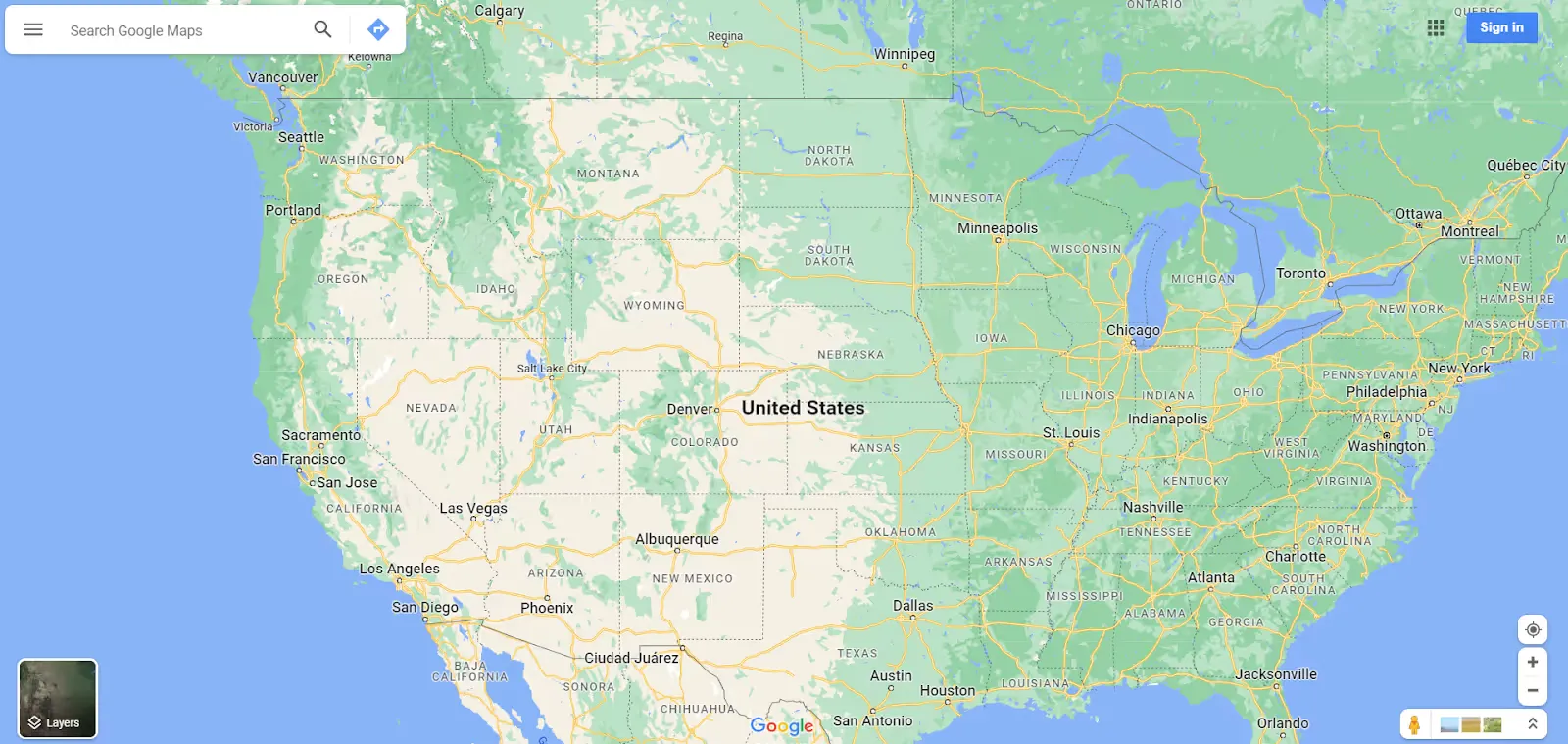
Integrating Google Maps lets you embed interactive maps on your Webflow website. You can show locations, routes and other geographical information to help your visitors find your physical location more easily. You can add further information such as opening hours, contact details and reviews to improve the user experience. By integrating Google Maps, you build trust and give your visitors a user-friendly way to explore your location.
These integrations are just a few examples of the extensive options Webflow offers for making your website more functional and powerful.
Successful integrations made easy: our experts support you with Webflow!"
As Webflow experts, we support you in integrating third-party tools and services into Webflow. Our agency has extensive experience and expertise in working with Webflow and its various integrations.
Our team is on hand to understand your specific requirements and goals and to help you choose the right integrations. We are happy to advise you on the pros and cons of each integration and, together with you, find the ones that best suit your requirements. We also support you in setting up and configuring the integrations to make sure they work smoothly and are used to the full.
Our experts can also help you adapt and customise the integrations so that they fit perfectly into the design and functionality of your Webflow website. We are at your side to answer technical questions, provide guidance and help you exploit the full potential of the integrations.
With our support, you can get the most out of Webflow and its integrations to create a website that not only looks impressive but also works efficiently and meets your business requirements. Do not hesitate to contact us if you have questions or are interested in working together. We look forward to helping you integrate Webflow and the right integrations.

Final words
Invest in a custom website that makes your brand shine and supports your business goals. With Webflow and its many integrations, you have powerful tools at your disposal to optimise your online presence and exploit your website's full potential. Our experienced team supports you with the implementation and helps you create a website that impresses your clients and makes your company successful. Let's take the path to your digital success together! Contact us today and find out how we can help you integrate Webflow and the right integrations.