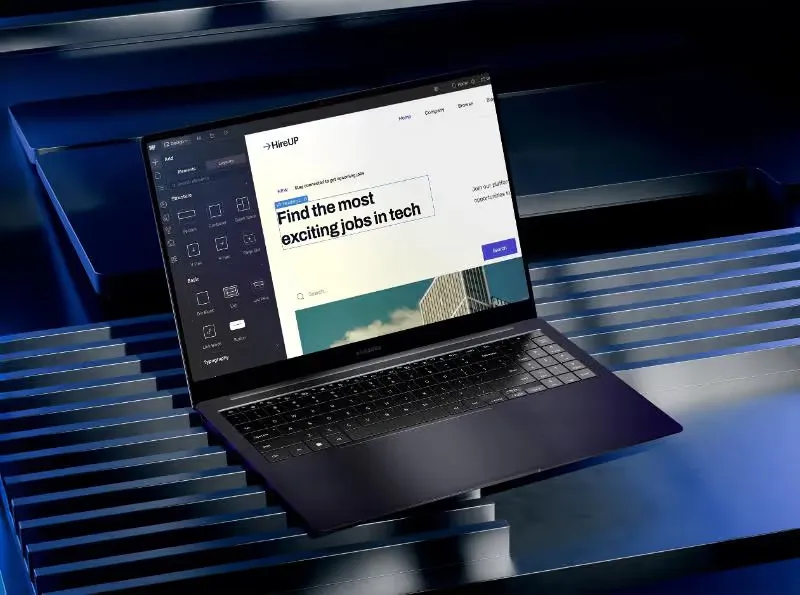

Webflow is one of the most advanced platforms for modern web design: flexible, visually impressive and technically clean. But as with any tool, there are certain limitations that can become relevant depending on the project's requirements. In this article, as a specialised Webflow agency from Switzerland, we shed light on its real limits, and at the same time show how we overcome them with our experience and the right tools.
Webflow & e-commerce: unsuitable for many shops
Webflow offers basic e-commerce functionality that can be enough for simple shops or MVPs. But as soon as a project goes beyond a handful of products or needs country-specific payment methods, Webflow quickly reaches its limits.
Suitable for:
- Startups & small businesses
- MVPs & market tests
- Visually compelling shops with few products
Unsuitable for:
- Complex product variants & logic
- Individual checkout processes or discount systems
- Payment methods such as Twint or PostFinance (essential in Switzerland)
👉 Why Webflow quickly reaches its limits for e-commerce: our direct comparison with Shopify & co.
Our solution: For demanding e-commerce projects, we rely on combining Webflow design with Shopify functionality. With LiquifyPRO, we develop powerful custom Shopify templates based on Webflow designs.
Server-side code: Webflow needs workarounds
Webflow does not support native server-side code, which can become a problem for advanced web applications. API connections, member areas or data-driven applications are only possible with workarounds.
Typical challenges:
- Forms with logic, validation or file upload
- Gated content and login functions
- Individual database queries and filters
Our workarounds:
- Wized for dynamic web apps
- Custom JS directly in Webflow
- Zapier or Make for back-end workflows
- SaaS integrations with a headless CMS or CRM
We develop hybrid systems that combine Webflow's strengths in the front end with flexible back-end solutions. As full-stack developers and low-code specialists, we also build complex web applications with login areas, dashboards, role logic and integrations, for example booking tools, internal platforms or digital services for client portals.
Learning curve & usability: not a tool for beginners
Webflow is often promoted as "no-code", but it is really a "low-code" tool with professional ambitions. If you want to build visually impressive, functionally clean websites, you need know-how in HTML, CSS and UX/UI.
Challenges:
- A steep learning curve for beginners
- Technical understanding helps
Well suited to:
- Agencies and design teams
- Editorial teams (the CMS is very user-friendly)
👉 What is Webflow? A beginner's guide to the platform
Our verdict: Webflow unfolds its full potential with professional support.
Value for money: oversized for simple sites
For one-pagers, landing pages without functionality or pure portfolio sites, Webflow can seem unnecessarily expensive. The ongoing hosting costs plus the initial development effort only pay off if you think long term.
Better-suited tools for simple sites:
- Website builders such as Wix or Jimdo
- Static site generators such as Hugo or Jekyll
When Webflow is worth it:
- For individual designs and scalable sites
- When performance, the CMS and long-term maintenance matter
Conclusion: Webflow is (almost) always a good choice, with the right agency
Webflow has limits, but with the right agency they can be worked around. Our clients benefit from a strong design system, lightning-fast hosting, an intuitive CMS and solutions that go far beyond the standard.
Webflow is ideal for:
- Companies with high design and brand standards
- Performance-oriented websites
- Projects with scalable requirements
Less suitable for:
- Micro projects and low-budget solutions
- Shops with a complex e-commerce set-up (without custom solutions)
Check now: is Webflow the right platform for your project?
Our free quick check shows whether Webflow suits your requirements, and how you can benefit from it.