
Webflow vs. Squarespace: the website builder showdown
The path to a professional website is easier today than ever. After all, the market offers countless solutions that let us build websites in a fraction of the time (compared with traditional web development). In the hands of experienced agencies and freelancers, these website builders become the birthplace of breathtaking websites.
Webflow and Squarespace are two of these solutions; both are very popular and used by professionals to build visually sophisticated, cutting-edge online presences. Both solutions impress with a range of features that will bring your website to life.
If you want to learn more about the differences, you will find further comparisons in our articles on Webflow vs. Framer, Webflow vs. Elementor and Webflow vs. WordPress. Together they give a comprehensive overview of all the relevant website builders on the market.
But which solution is actually better: Webflow or Squarespace? We put them side by side and show you which builder has the edge. Among other things, we take a closer look at design flexibility, ease of use and other important factors.
What is Webflow?
By its own account, Webflow is one of the most popular website builders of all; besides a visual editor for designing websites precisely, its distinguishing features include a CMS and e-commerce functions. Unlike other solutions, Webflow offers an unprecedented degree of freedom for building websites. Besides full control over the CSS and styling of the website, you can also add your own code to the site. Users can, for example, use JavaScript to extend the website's functions and make the user experience even more pleasant and interactive
What is Squarespace?
Squarespace is an online tool for creating websites and online shops. The advantages the company advertises on its website include its easy-to-use editor and numerous templates, which are designed to let you create professional online presences quickly. Squarespace also has a built-in content management system (CMS) that can be used to create blogs and other dynamic content.
At a glance: the features of Webflow and Squarespace
While Webflow is very popular above all because of its intuitive drag-and-drop interface, Squarespace prides itself on a simple building-block system.
Squarespace vs. Webflow: the features of both platforms compared
So much for the facts; now to the direct comparison between Webflow and Squarespace. To evaluate both platforms, we look at different areas. Among other things, we address the questions you might ask yourself as a user.
- Ease of use: How intuitive is each editor?
- Design: How much design freedom do I have? Can I implement a design pixel-perfectly, or am I tied to templates?
- SEO: Does the platform offer tools that help inform search engines better about our website's content?
- Marketing: Are there tools that make marketing our website easier? What about integrating common marketing tools?
- Content management system: Can we publish dynamic content on our site? How intuitive is the online editor for the CMS?
- E-commerce: How easy is it to open an online shop? Are there extra costs, and how pleasant is the user experience?
- Analytics: Are there tools that let us analyse user behaviour on our site? Or do we depend on Google Analytics?
- Support: What is customer support like? Do we get help with questions? Is there an active community?
Let us now go into detail and see how Webflow compares with Squarespace on each point.
Ease of use
Both Webflow and Squarespace have a user-friendly interface that makes building websites as easy as can be.
In fact, Squarespace is easier for beginners to use. One reason is that its ready-made templates and blocks make putting simple websites together quick and intuitive. This convenience, however, comes at the expense of customisation options: Squarespace offers nowhere near as many options as Webflow. Even so, we can say this: if you are looking for a simple tool to put a site together quickly, you will not go wrong with Squarespace. If, on the other hand, you are looking for a platform with more advanced features, you are guaranteed to be happy with Webflow.
Design
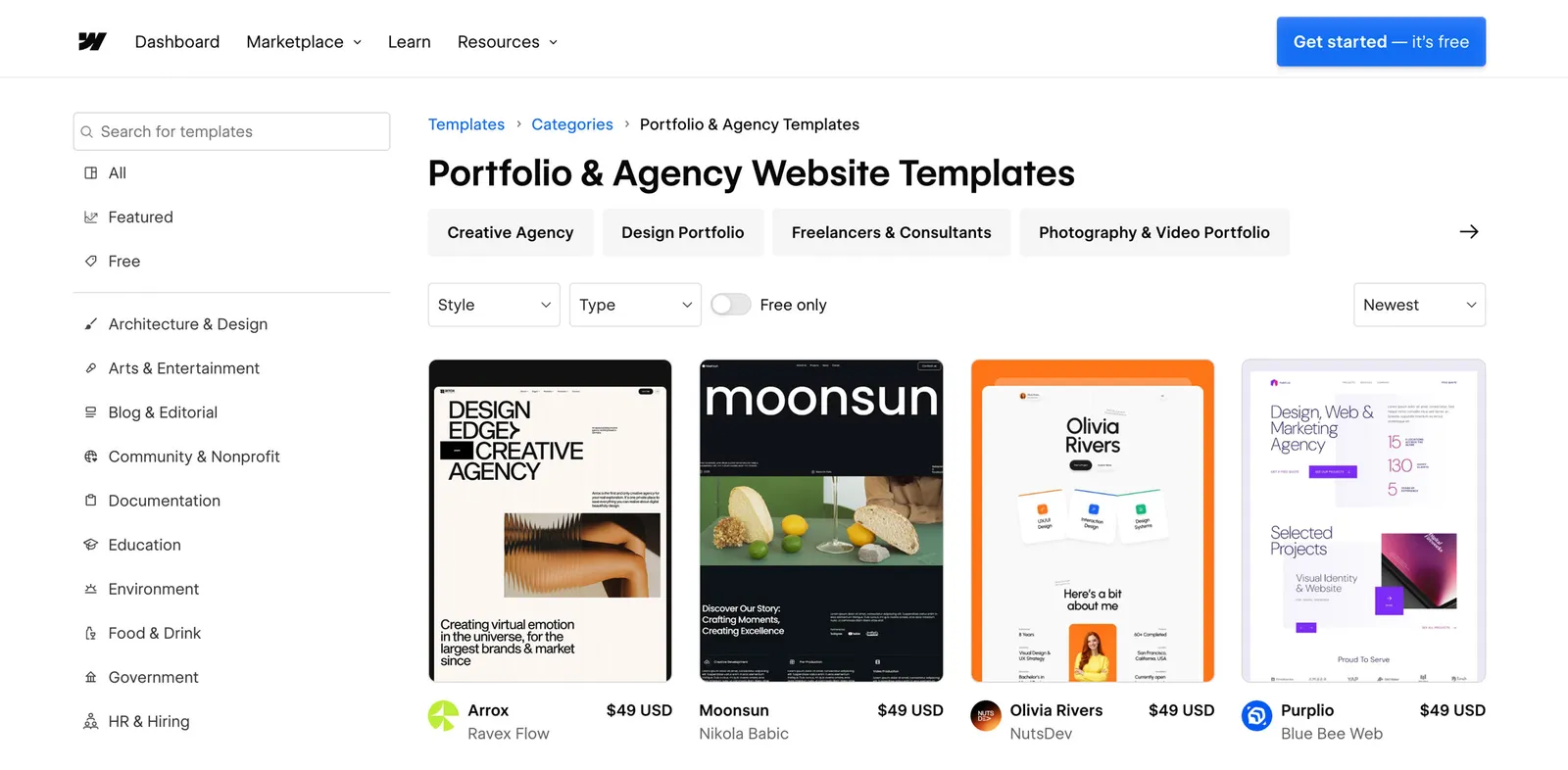
Design flexibility is particularly important for really expressing a company's branding on its website. So a website builder must also have the features that give us the greatest possible flexibility for our site's visual presentation. Here Webflow is clearly ahead: while Squarespace relies more on building blocks and customisable templates, Webflow gives us maximum freedom in designing our online presence.
When we first start Squarespace, by contrast, we have only two options: either we use one of the ready-made templates as a starting point, or we leave the work to AI. We can revise and adjust both options later; but it would be desirable to be able to start with a completely blank page, as in Webflow. Especially if we already have a design or concrete ideas in mind, Squarespace's templates can quickly feel restrictive.
Squarespace scores with a wide choice of templates, but Webflow also offers professional templates that can be adapted easily. If you want a 100 % individual website tailored to your branding, however, you are better off with a custom design. And in exactly this case, Webflow is the clear recommendation: no other tool offers such a wide range of settings for design and animations that bring your site to life.
You can read more about the design options in our comparisons Webflow vs. Framer and Webflow vs. Elementor.
SEO
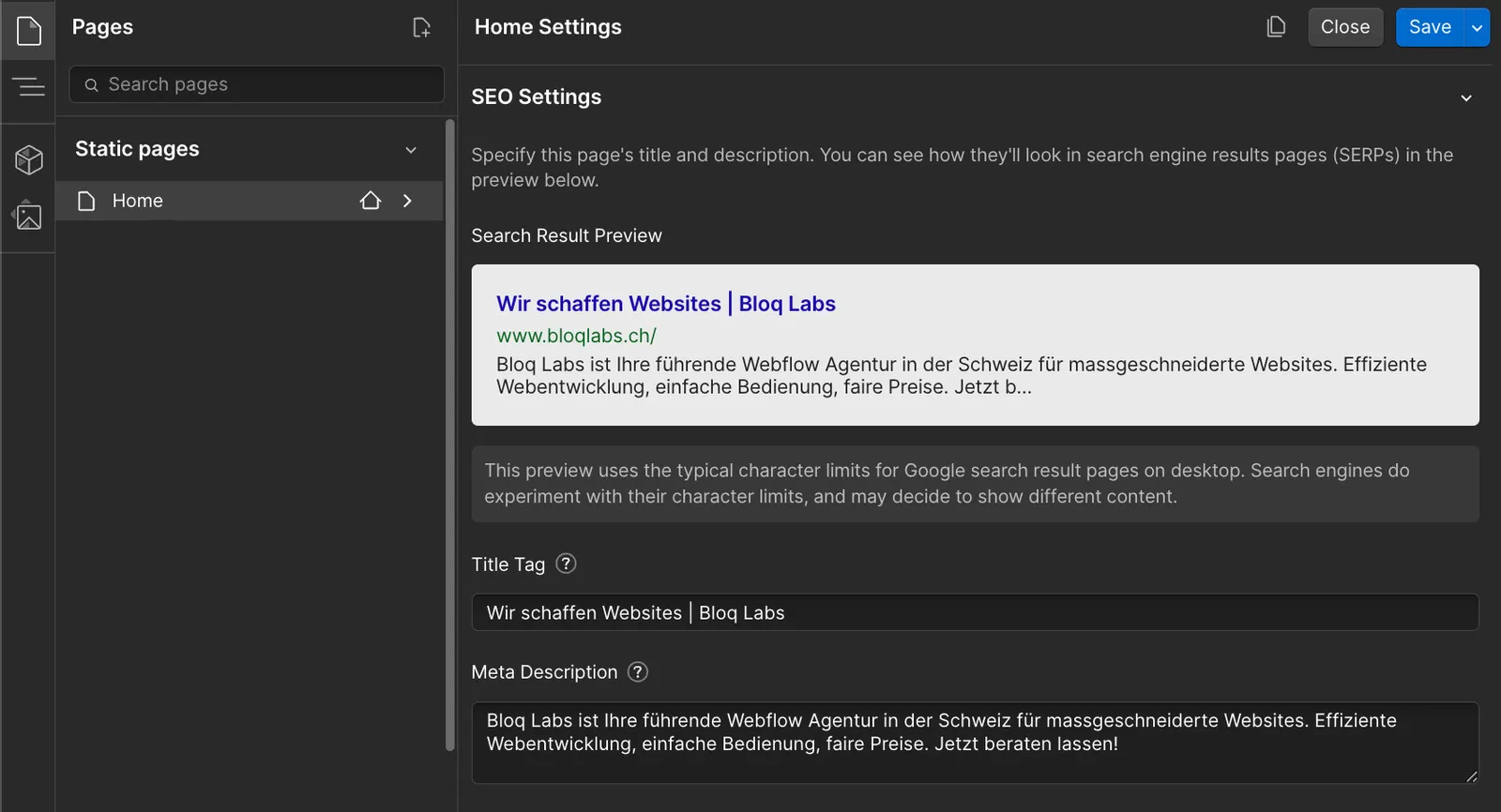
Traffic is fundamental to every online presence. But we do not want to rely only on paid ads and other marketing channels. After all, our website should also be found organically, and that is exactly why we rely on search engine optimisation with Webflow. By optimising our content, we reach more visitors, leads and clients.
Squarespace offers a range of basic settings that let us get our website fit for SEO. That covers simple content marketing; in a few minutes we create a blog and can fill it with content. But you will look in vain for more complex features in Squarespace, such as sitemaps or structured data. In short: Squarespace's tools scratch the surface of SEO but do not go any deeper.
Webflow, on the other hand, has far more advanced options and SEO tools that let us make our site more visible to search engines. The ability to adjust the SEO settings for content from the Webflow CMS is particularly handy. SEO is often especially important for dynamic content, and many platforms offer too little here. In Webflow, by contrast, meta titles, descriptions and even structured data can be set individually for CMS items, which is ideal for companies that want to scale their content and at the same time achieve strong visibility in search engines.
Marketing
SEO and content marketing are by no means the only tools we have for growing our site. Other channels, such as email marketing, are also essential for a sound strategy. So a suitable solution for our website must also have integrations that let us use these marketing channels effectively.
Over the years, Squarespace has earned a reputation as a solid solution for marketing digital presences. One reason is the numerous integrations offered through its built-in app marketplace. Whether email marketing, booking tools or even plugins for Amazon affiliates: Squarespace offers an impressive number of external solutions that can be integrated almost seamlessly into your website.
Webflow is currently still a little behind Squarespace in this area. There are already many native integrations and interfaces for marketing tools, but not yet as many as the competition has. Here too, though, there is good news: Webflow keeps evolving, and with it the number of available apps. In our article on the best Webflow tools & AI integrations, we show how you can already run marketing processes in Webflow smartly and automatically today.
So it is only a matter of time before Webflow catches up on marketing integrations, or even overtakes.
Content management system
Dynamic content brings a website to life and keeps visitors supplied with new content. Listings for real estate websites, articles for blogs or simply updates about your business: fresh content is essential for modern websites, for marketing reasons alone. A strong content management system forms the backbone of the website and lets you organise, manage and publish your content.
Webflow and Squarespace each offer a built-in CMS that lets you create and manage your blog posts or other content comfortably. Both platforms put a user-friendly interface first that even beginners can quickly get to grips with. The CMS in Webflow in particular is designed so that you can add and edit content even without technical expertise. So feel free to leave building and maintaining your website to the specialists at Bloq Labs, and concentrate fully on content marketing.
Webflow's CMS goes much deeper than the content management system Squarespace offers. Above all, the ability to link content types with each other stands out in Webflow. That lets us create relationships and hierarchies between our content and build any structure imaginable, a decisive advantage for complex site structures or data-driven applications, such as those we regularly deliver in our SME web design projects or in custom Webflow projects.
E-commerce
Since the boom in dropshipping, affiliate marketing and other forms of e-commerce at the latest, online shops are more popular than ever. And platforms such as Squarespace and Webflow make it easier than ever to set up your own shop. Both solutions have built-in e-commerce features that we can add to our website if we wish.
Squarespace lets us open an online shop in a few minutes. The option is available directly on the newly created website; however, the shop is not shown in the front end until the first products have been created. The e-commerce features come with no additional basic fee; depending on the plan chosen, however, there may be transaction fees of up to 3 per cent.
Webflow also has an e-commerce function. It can be added to our site through the editor. The online shop comes with a fee that is simply added to our current plan. Prices for a shop on Webflow start at $20 per month. Note that these costs come on top of our site plan. In terms of price, Webflow is therefore in the same range as other solutions such as Shopify, but offers considerably more features and control over the site's design and functionality.
Webflow's e-commerce feature is somewhat younger than Squarespace's solution; in return, Webflow's system feels much more mature. The menus are clear, and every important aspect of our shop is just a few clicks away. So it only hurts a little that e-commerce has to be added as a paid feature in Webflow. The advantages are so numerous that the overall package is simply better with Webflow. In Squarespace, by contrast, navigating between the different areas can be confusing at times.
Still unsure whether Webflow is the right choice? Then we recommend our article The best WordPress alternatives 2025, which also looks at Webflow as a strong e-commerce system.
Analytics
More and more website owners want analytics solutions that are not called Google Analytics. Over the years, Google's service has "earned" a reputation for making sites slower and impairing performance in the long term. In fact, the rule on the World Wide Web is: every script you can do without should be removed from your website. Both Squarespace and Webflow offer their own solutions for measuring traffic and analysing user behaviour.
Webflow has only offered this feature for a comparatively short time; under the label "Insights", website owners can see every possible aspect of user behaviour. The advantage over Google Analytics? All data is collected "internally", so no external script is needed that drags down our website's load time. And in terms of quality, Webflow's Insights are every bit as good as Google's "big brother": we get data on the number of website visitors, how long they stay and other important behaviour patterns, such as clicks and interactions with the website. The catch: Insights are a paid add-on that has to be booked for our site.
Squarespace also gives us important KPIs for our site that provide insight into visitor behaviour. However, there have repeatedly been reports in the past that its analytics have a negative effect on the website's load time. At a time when visitors often wait no more than three seconds before leaving a page because it takes too long to load, every millisecond counts.
If you value performance, clarity and smart analysis, Webflow Insights is by far the better choice, especially in combination with the Webflow CMS, which connects all data sources centrally.
Support
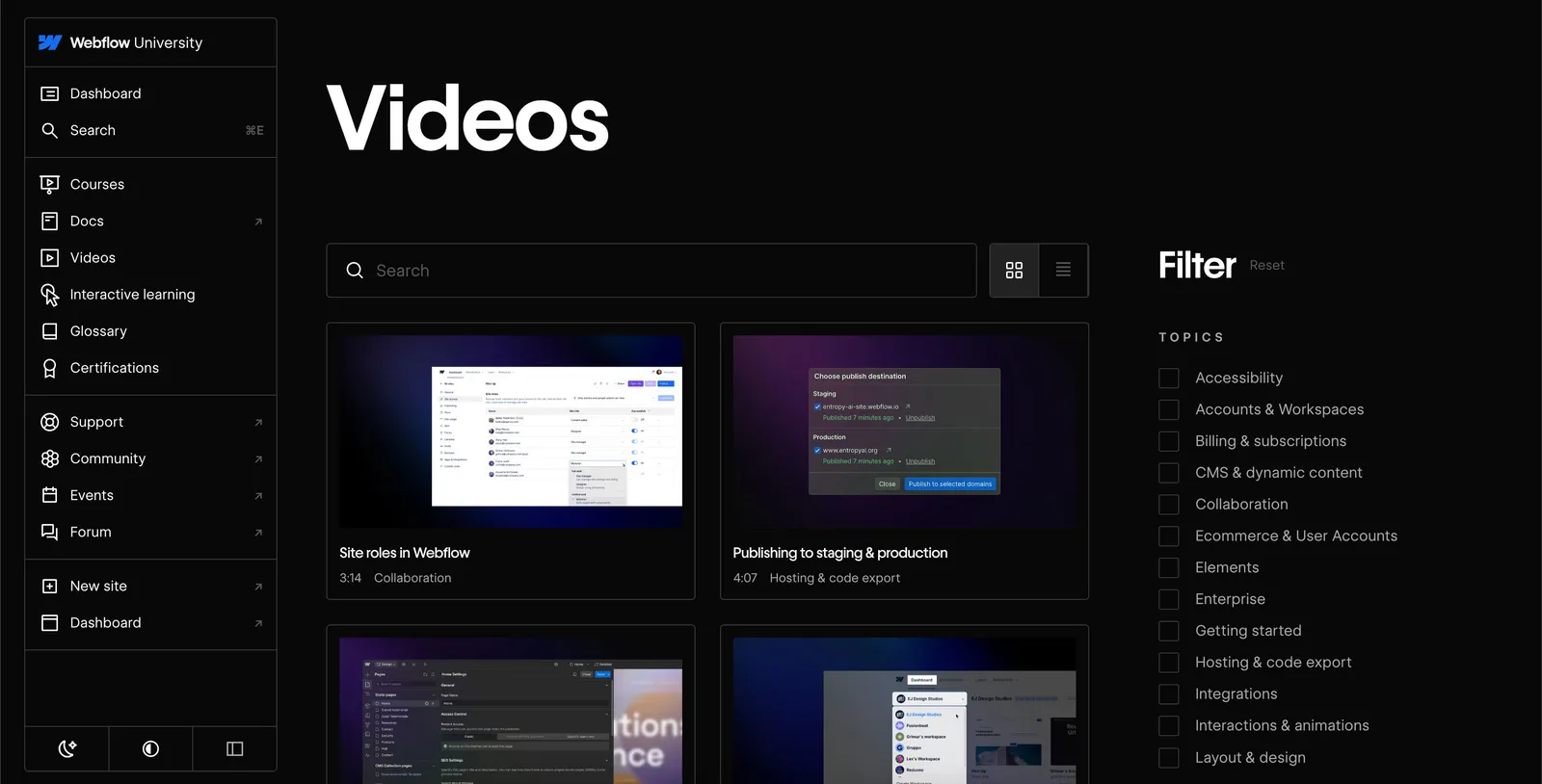
Webflow University is the place where we find answers to (almost) every question. From simple explanations of basic features to tutorials for complex animations: this is where Webflow users get concrete help.
On top of that, there is a huge community that helps us with more in-depth questions. For many, Webflow is the best tool for building professional websites, so it is hardly surprising that its community is also among the best in its class. What is particularly nice: unlike with many other tools, the Webflow team is actively involved in the community and is happy to help when we have a problem. Whether through a forum discussion or by contacting them directly via live chat: Webflow's support is absolutely world class.
Squarespace also has a large community whose members help each other out with problems and find solutions together. However, many users report that Squarespace's support can be slow at times; Squarespace users repeatedly complain about tedious conversations without a concrete solution. As experienced Webflow experts, by contrast, we can proudly say: whenever we have come across a challenge in Webflow, the solution was usually found quickly, thanks in part to Webflow support!
Webflow or Squarespace? For us, the choice is obvious!
In the head-to-head Squarespace vs. Webflow showdown, there are numerous points in favour of one platform or the other. While Squarespace scores on ease of use and marketing, Webflow is ahead on almost every other aspect. Above all, its more advanced features, such as the extremely powerful CMS, the visual editor and the numerous options for SEO, make Webflow the perfect choice for modern, professional websites.
With a Webflow agency such as Bloq Labs, you turn your website into a digital business card that delivers more leads, conversions and a better user experience. Our Webflow experts have already completed more than 100 projects, from dynamic landing pages to complex platforms.
👉 Arrange a free strategy call now and find out how we will take your next web project to the next level with Webflow. We look forward to getting to know you!