When it comes to building new websites, we have more choice today than ever. Numerous providers promise easy website building with a drag-and-drop interface, without any coding. Two of the best-known solutions are Webflow and Elementor. While Webflow is a standalone solution for building websites, Elementor is a WordPress plugin.
But what exactly are the differences (and similarities) between the two solutions? In this article we shed light on what Webflow and Elementor actually are, what pros and cons each offers, and which builder is the right choice for you.
What is Webflow?
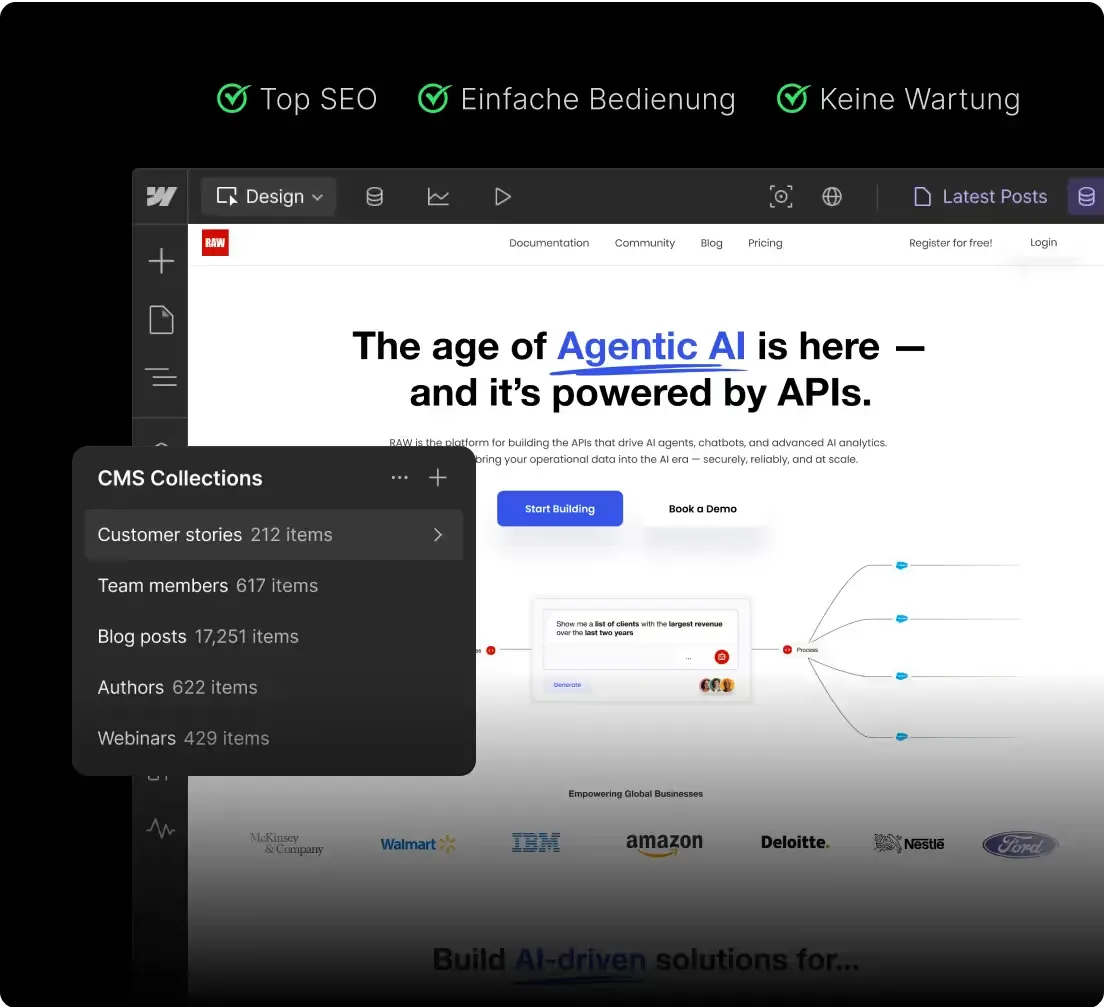
Webflow is a no-code website builder that has been one of the most popular solutions for building professional websites for many years. Flexibility is a top priority at Webflow; the website editor is mainly praised for its great design freedom, its intuitive animation editor and an accessible content management system (CMS).
But beyond that, Webflow offers numerous other features that make building websites easier than ever. Besides ready-designed templates, Webflow has a huge community that helps out with its own plugins (known as apps) and a wide range of tutorials. Within the developer community, Webflow is valued above all for the full control it gives over the code;
What is Elementor?
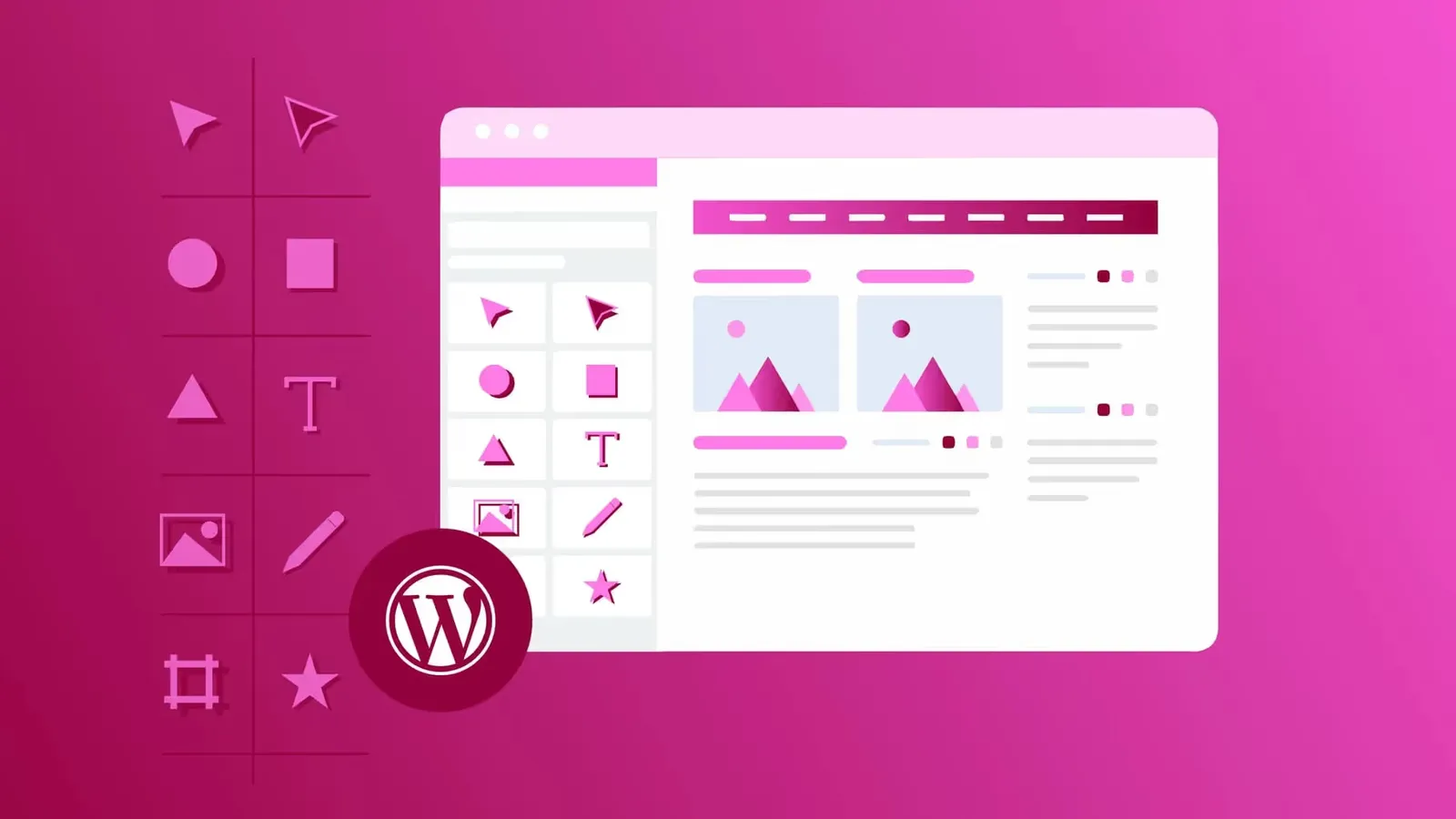
Elementor is a plugin for WordPress designed to make building websites easier. WordPress, in turn, is a CMS that, according to current estimates, powers around half of all websites on the internet. Elementor is essentially a drag-and-drop builder intended to give users a high degree of design flexibility. Because it is so easy to use, Elementor has been one of the most popular WordPress plugins of all for many years. At its heart are the widgets, which are placed on the page via a drag-and-drop interface. That lets us add complex elements such as image galleries, sliders or tabs to our page in a few seconds.
The Elementor plugin is an easy way to take WordPress-powered websites to the next level. Where WordPress's built-in editor and the Gutenberg editor quickly reach their limits, Elementor opens up completely new possibilities. Of course, Elementor is not free of limitations either; granular design adjustments are often only possible with CSS or HTML. In addition, Elementor, like every other WordPress plugin, depends on regular updates. Users often complain that a new update impairs Elementor's functionality or, in the worst case, even breaks the layout of their site. For sites that have to be available around the clock, that is of course a big risk. But what exactly are Elementor's pros and cons? Let us now take a detailed look at Webflow vs. Elementor.
Elementor vs. Webflow: both builders compared head to head
Performance, design freedom, SEO: how do the Elementor plugin and Webflow compare? If you, too, are deciding whether to use Elementor or Webflow, you should take a closer look at the following points. We shed light on the pros and cons of both platforms and show which solution is the better choice for your case.
Find out here what the features of a good website are.
Webflow vs. Elementor: costs
While the basic version of Elementor is available free of charge, upgrading to Elementor Pro is unavoidable in almost every case. Many features, such as detailed customisation of the navigation bar, footer, archives and much more, are only available in the paid version of Elementor. Anyone who wants to use Elementor to customise dynamic content (blog posts, for example) cannot do without the Pro version either.
Prices for Elementor Pro start at €60 per year. Monthly payment, as many other providers offer, is not possible with Elementor. Webflow, on the other hand, offers monthly or annual subscriptions. Webflow's cheapest plan costs $168 a year, or $18 if you pay monthly. Although Elementor Pro looks cheaper at first glance, there are a few other costs that can come on top with a WordPress site. These include, for example, additional plugins that are needed depending on the type of website. You also have to order suitable hosting, which in many cases can cost between €50 and €100 a year. So the amounts for an Elementor-powered WordPress website quickly add up to €200 or €300 a year. Meanwhile, the corresponding Webflow plan costs just under $270 a year, and offers considerably more than Elementor Pro can at a comparable price.
SEO in Webflow and Elementor compared
SEO is essential for practically every website: if you want to be found online, you need technically flawless search engine optimisation. While Webflow offers numerous SEO tools and features straight out of the box, Elementor usually needs additional plugins to get the most out of search engine optimisation. Here too there are lots of free options, but for larger SEO projects a paid plugin can usually not be avoided.
The SEO features Webflow offers for dynamic content are particularly handy. In just a few clicks, we have created rules for what the meta titles and descriptions of our CMS content should look like. Instead of laboriously writing copy for every item, we can take properties from our CMS and insert them into the titles and descriptions of the pages. That way, search engines can quickly work out what our CMS content is about and index it better. On top of that, we have full control over which pages should be indexed at all.
Design flexibility: does Elementor or Webflow come out on top?
Design is becoming ever more important for websites. Today it is no longer enough to put a purely informative website about your company online. Visual elements, a clear brand identity and a modern design make a major contribution to users perceiving a site as professional, and the brand behind it as reputable. So the question is which tool offers more freedom in the visual design of the website: Elementor or Webflow?
While Elementor offers much more freedom than the basic version of WordPress, here too we reach our limits relatively quickly. The ready-made animations are enough for small hobby websites, but in professional projects they do not stand a chance against the animations that are possible in Webflow. We can extend Elementor with further plugins and add new widgets; but this often comes at the expense of performance, because the additional plugins can worsen our website's load times. And the longer a website takes to load, the more likely users are to leave.
Webflow, on the other hand, offers complete control over the look and functionality of the site. Professional animations can be put together in a few minutes, and even ambitious elements (such as scroll animations) can be built with the Webflow Designer. The Elementor plugin now also allows animations and interactive elements, but you often have to rely on ready-made templates. Complex animations can then only be realised with your own code (JavaScript); here Webflow, with its intuitive Interactions, is clearly ahead.
Performance in Elementor vs. Webflow compared head to head
Webflow scales with the site and delivers excellent performance even for larger websites. Depending on traffic, we may have to upgrade to a higher plan; but the resources provided make sure our site always stays available, even under exceptional demand. Intelligent surge protection adds further security to our site and makes Webflow an excellent solution for projects of every kind, from small hobby sites to enterprise projects.
Elementor, by contrast, quickly reaches its limits on larger sites. When our animations become more complex and we combine many containers and widgets, the Elementor editor is soon brought to its knees. And if we also resort to custom code, we reach the limit of what is possible with Elementor. Often, though, it is not only Elementor but also the hosting that is the bottleneck. For larger sites, we therefore usually have to switch to a bigger plan, which of course also means higher costs. If you plan to make your site future-proof and ready for any expansion, you are definitely better off with Webflow.
On top of that comes a problem that has plagued WordPress for many years: unnecessary code. Clean code not only makes working on a website much easier; it also makes for shorter load times. While in Webflow we decide ourselves how many containers, text elements and images we use, Elementor often automatically adds numerous divs and other elements that bloat the code unnecessarily. There is no way to remove these elements, so our hands are truly tied when it comes to optimising the page speed of an Elementor-powered website.

E-commerce: native in Webflow, only possible with plugins in Elementor
Of course, website builders such as Webflow and WordPress are not only used for classic websites and blogs. Today we can even create complete online shops with a drag-and-drop interface. So we have long since stopped depending on specialised solutions such as Shopify to bring our business into the digital world.
Probably the best-known and most accessible e-commerce plugin for WordPress is WooCommerce. This free tool offers numerous essential functions, such as product management, payment processing and much more, in one package. Elementor offers numerous interfaces and widgets that are specially optimised for WooCommerce and designed for building an online shop. That lets us create pages for dynamic content, such as products and categories, and customise the ordering and payment process too.
Webflow, on the other hand, has native e-commerce functionality that can be added to a Webflow site as a paid add-on. As with the content management system, we can manage products, create categories and customise other aspects of our shop in a clear interface. In terms of price, Webflow e-commerce is in the same range as other e-commerce solutions such as Shopify. An e-commerce site costs from $29 a month (with annual billing) or $49 with a monthly subscription. That may seem a little expensive at first glance, but with Elementor you also have to budget for hosting and, depending on the functionality you need, further plugins. So a Webflow shop can be cheaper than a solution with WordPress, Elementor and WooCommerce.
The content management system in Elementor and Webflow
The heart of WordPress is, without question, its content management system. Originally designed as a solution for creating blogs, the CMS is still one of WordPress's main advantages today. The intuitive interface and the ability to organise blog articles and other content into categories still make WordPress a popular choice for blogs and other sites that mainly display dynamic content. Elementor builds on this too and gives users a high degree of flexibility in designing the site.
But here too, scalability is one of the main reasons why more and more website owners are moving away from WordPress. The larger our CMS becomes, the more speed our website loses. If we want more performance, we usually have to choose a different hosting plan.
Webflow, by contrast, is designed from the start to grow with you. We can begin with a small CMS collection and work our way up from there. As our site grows, we can simply switch to another plan that gives us more CMS items and bandwidth. That way, our site is always ready for larger collections and more traffic.
Other features of Elementor vs. Webflow compared
Besides the features already mentioned, Webflow also offers a quick and easy way to add new languages to the website. However, the add-on comes with additional costs; plans for the Localization feature start at $12 a month per language. In return, we get maximum control over our site's content; from simple adjustments to headings to copy that is only shown in certain languages, practically everything is possible. For brands that want to offer their content in several languages, the Localization feature is nevertheless a real game-changer.
Webflow or Elementor: which solution is right for you?
Which of the two solutions you ultimately choose depends primarily on the conditions of your project. While Elementor with suitable hosting is enough for a simple blog or sites with little content, Webflow is the first choice for larger projects. Full control over the code and the ability to scale the site at the push of a button at any time make Webflow the perfect solution for professional websites that grow with their traffic and content.
But of course, your needs play the overriding role here. Even though we would recommend Webflow almost without exception, there may be situations in which Elementor can also be a good choice. Below we compare Webflow and Elementor directly and set out the pros and cons and use cases of both platforms side by side.
Elementor or Webflow? We have a clear recommendation!
The direct comparison between Elementor and Webflow shows that both solutions have their advantages and make building professional websites easier than ever. But while both have features suited to different use cases, Webflow beats Elementor in almost every respect.
As an experienced Webflow agency, we work exclusively with Webflow. Why? Because we value Webflow's almost limitless possibilities so highly. No other website builder offers the same degree of flexibility in design, functionality and scalability as Webflow. Our team brings the experience of more than 100 successfully designed projects and the expertise needed to build your website in Webflow. Whether a new site or a move from another CMS to Webflow: we support you and bring your project to life.
Book your no-obligation consultation on Webflow support now or send us a free enquiry directly. We look forward to hearing from you and to finding out together how your Webflow site will delight your clients.
Or take a look at our Webflow projects & references: from small business sites to complex platforms, there is something for everyone.