If you are planning a new website, sooner or later you face a crucial question: which CMS is the best? The choice of content management systems (CMS) is huge, from classics such as WordPress to modern platforms such as Webflow or Framer. But which system really fits the requirements of an SME or startup? In this article, we deliver the big CMS comparison 2025, show what makes a good CMS and explain why Webflow is the best CMS on the market for us.
Our winner: Webflow is the best CMS of 2026
Before we dive deeper into the criteria of a good CMS, let us give the game away: Webflow is our clear favourite. Why? Because it not only meets every requirement of a modern CMS but exceeds them in many areas.
Whether it is design freedom, performance, SEO or freedom from maintenance, Webflow delivers across the board. For SMEs and startups that want to act flexibly, independently and quickly in the market, Webflow is the best choice in our view.
Webflow: the winner among the best CMS systems of 2025, for startups & SMEs
Webflow is a high-end web design, web development and content management system for custom websites. With Webflow, handmade designs can be implemented very flexibly and time-efficiently compared with conventional technology, and the content can be maintained easily by in-house teams.
For startups and SMEs, that means:
- Less dependence on agencies or developers: you can maintain a lot of content in-house.
- Faster delivery of new pages, campaigns and landing pages: time to market counts.
- Significantly lower running costs: no maintenance effort, no plugin costs.
- Better performance & SEO from the start: more visibility, more enquiries.
After more than 100 successful Webflow projects ➡️ Our Webflow services for clients in Switzerland and beyond, we are convinced: Webflow is the best CMS on the market. Why?
1. No plugins. No stress. Everything from a single source.
Anyone who has worked with WordPress and the like knows the dilemma: every new feature brings another plugin, with all the familiar side effects such as update stress, compatibility problems and security vulnerabilities. Webflow does away with all that. Everything modern websites need is built natively into the system: design, CMS, hosting, SEO, security, animations, form logic, localisation and even AI.
Benefits for SMEs:
- Fast load times thanks to lean, optimised code
- No maintenance and no compatibility problems caused by external plugins
- Maximum availability and security, without depending on third parties
- No hidden extra costs for extensions
- Focus on business instead of technology
2. More freedom for design, fewer limits from templates
Many CMSs work with rigid templates or restricted page builders. Webflow is different: it is a powerful design tool for visual professionals and creative minds. It is where individual, high-converting websites are created that reflect brands exactly, visually and in content, without the constraints of themes or ready-made building blocks.
Benefits for SMEs:
- Custom brand presence instead of more of the same
- Full control over content, directly in the visual editor
- Any layout possible, without any code
- Ideal for performance, UX and storytelling
- Less coordination effort between design, content and technology
3. Website speed & SEO, built in from the start
Performance is not an add-on but the foundation of visibility and conversion. Webflow generates technically clean, standards-compliant code and comes with all the tools for modern SEO. No plugin jungle, no workarounds after the fact: just a system that is geared to Google and users from the outset.
Benefits for SMEs:
- Lightning-fast load times: decisive for rankings and user experience
- SEO basics built into the system: title tags, alt tags, meta descriptions
- Automatically generated sitemaps and structured data
- Top performance on every device
- More visibility for less effort
4. 100 % maintenance-free = 100 % focus on your business
Many companies pay every month for CMS maintenance, security updates or plugin upkeep, just to avoid something breaking. With Webflow, all of that disappears. No updates. No outages. No effort. The platform simply runs, in the background, reliably and securely.
Benefits for SMEs:
- Zero maintenance costs
- No technical risks from outdated components
- More time for content, marketing and sales
- Stable, predictable operating costs
- A system that just runs, without you having to look after it all the time
5. Built-in AI features for smarter work
Creating content, structuring pages, optimising for SEO: all tasks that take time. Webflow brings AI directly into the editor. With built-in AI tools, content can be generated, improved and analysed faster, more easily and based on data.
Features at a glance:
- Webflow CMS AI: Generate and structure content directly in the CMS, powered by GPT and Claude models
- Webflow Optimizes: Automatic optimisation of load time, image sizes, alt tags and metadata
- Webflow Analyse: Intelligent suggestions on page structure, SEO and conversion potential, directly in the editor
More on this in our blog post:
➡️ Webflow + AI: 5 smart tools for your website
What makes a modern CMS, and why Webflow offers all of it
Not every CMS is made for the requirements companies have today. If you want to work efficiently, scale and stay visible, you need a system that can do more than just display pages. Here are the most important features, explained clearly and summarised with practice in mind:
1. Easy to use, even without an IT team
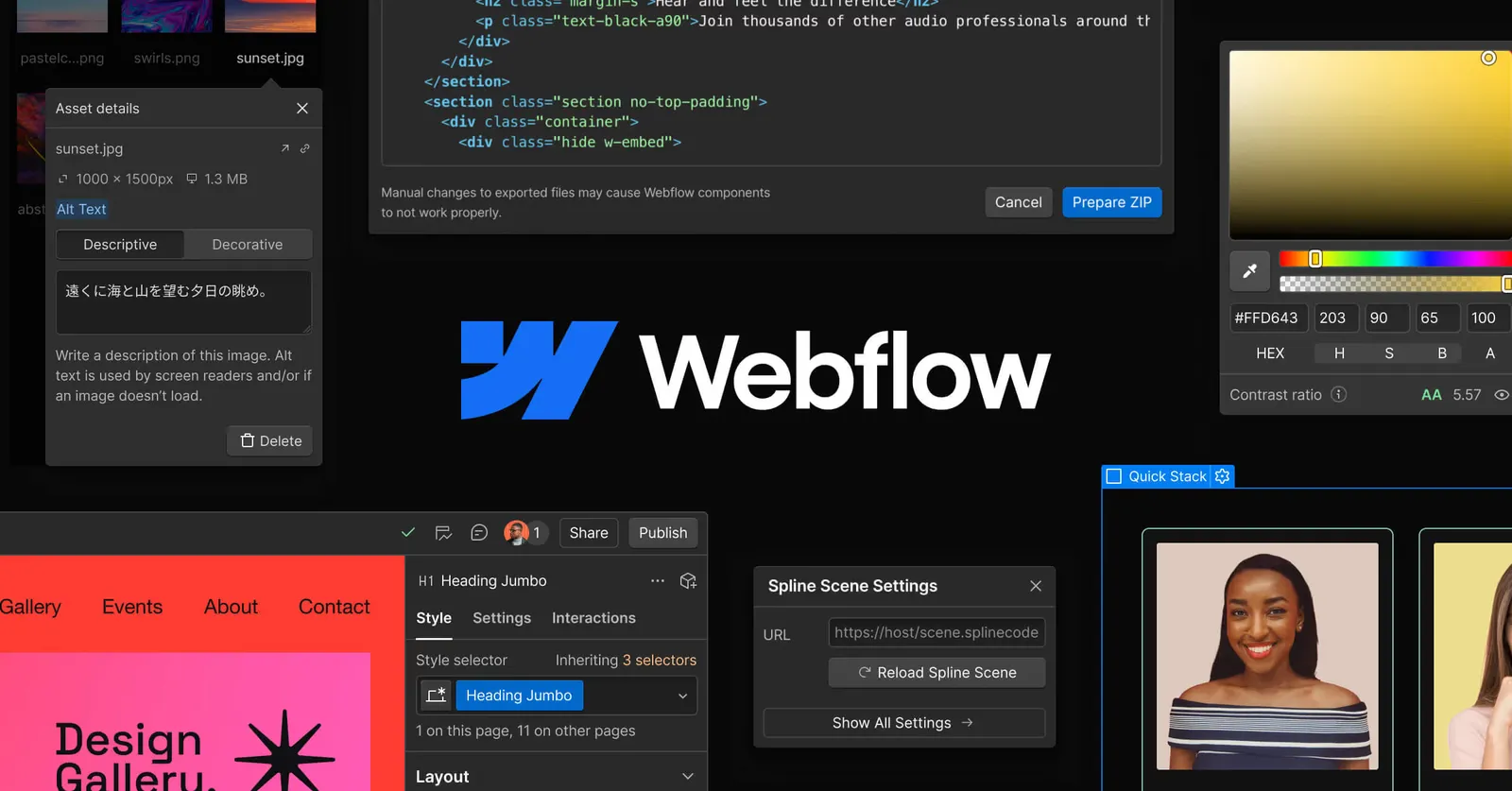
A good CMS has to be designed so that non-developers can work with it too. Content should be easy to create, update and structure directly in the browser, without cumbersome back-end menus or hours of training. Webflow sets the standard here: with a clear WYSIWYG editor ("what you see is what you get"), editors see immediately what they are doing. Content can be maintained live on the page, in real time and without technical know-how. Teams also benefit from flexible roles and permissions, which make sure everyone only accesses the content they are responsible for.
2. No maintenance needed
Many content management systems such as WordPress require constant updates, security patches and plugin management. That costs time, money and nerves, and every time there is a risk that something stops working. A modern CMS such as Webflow is completely maintenance-free: there are no updates, no compatibility problems with third-party plugins and no hidden risks. The infrastructure is managed centrally and updated automatically. For companies, that means no additional IT effort and no downtime, just full concentration on content and marketing.
3. Scalability without compromise
Whether five pages or five hundred subpages: a CMS has to be able to grow with the company without losing clarity or speed. Webflow offers full flexibility here. The page structure can be extended as needed, and new language versions, team members or features can be added at any time without performance suffering. Thanks to the Webflow CMS, the platform is particularly well suited to multilingual websites, international brand presences or modular content structures that need to be managed dynamically.
4. Flexible design, no off-the-shelf templates
Many systems work with rigid themes that quickly set limits. Webflow works differently: custom designs are created from scratch, without any template. Whether complex animations, individual layouts or interactive content, everything can be implemented pixel-perfectly and in line with the brand. That makes Webflow the ideal platform for companies that value strong brand management, storytelling and conversion optimisation. Every page can be designed the way that works best for the target group, without compromise.
5. Performance & security included
A website is only as good as its load time and stability. Today, users expect pages that load within a few seconds, on every device. Webflow uses modern, clean code and, with global hosting, SSL encryption and automatic backups, provides a secure, stable platform. Even with heavy traffic, performance stays constant. And because all security-related functions are managed centrally, the attack surface for hackers is much smaller than with open systems with uncontrolled extensions.
6. SEO features built into the system
Technical SEO should not depend on external plugins. In Webflow, all the important functions are built in: clean URL structures, customisable meta tags, Open Graph settings, canonical tags and an automatically generated sitemap are standard. The structured HTML code that Google values and the high loading speed also make for better rankings. So the website does not just become visible, it stays visible in the long term.
7. AI tools & automation
Modern CMSs not only have to be efficient, they also have to think ahead. Webflow builds AI-powered features directly into the editor. Content can be generated, structured and optimised with AI, whether for copy, images or SEO elements. The platform supports you with keyword optimisation, automates image compression and resizing and even enables automatic translations through intelligent localisation features. That turns your CMS into a real assistant, not just an admin tool.
🔗 Also read: What makes a good website? 6 practical features
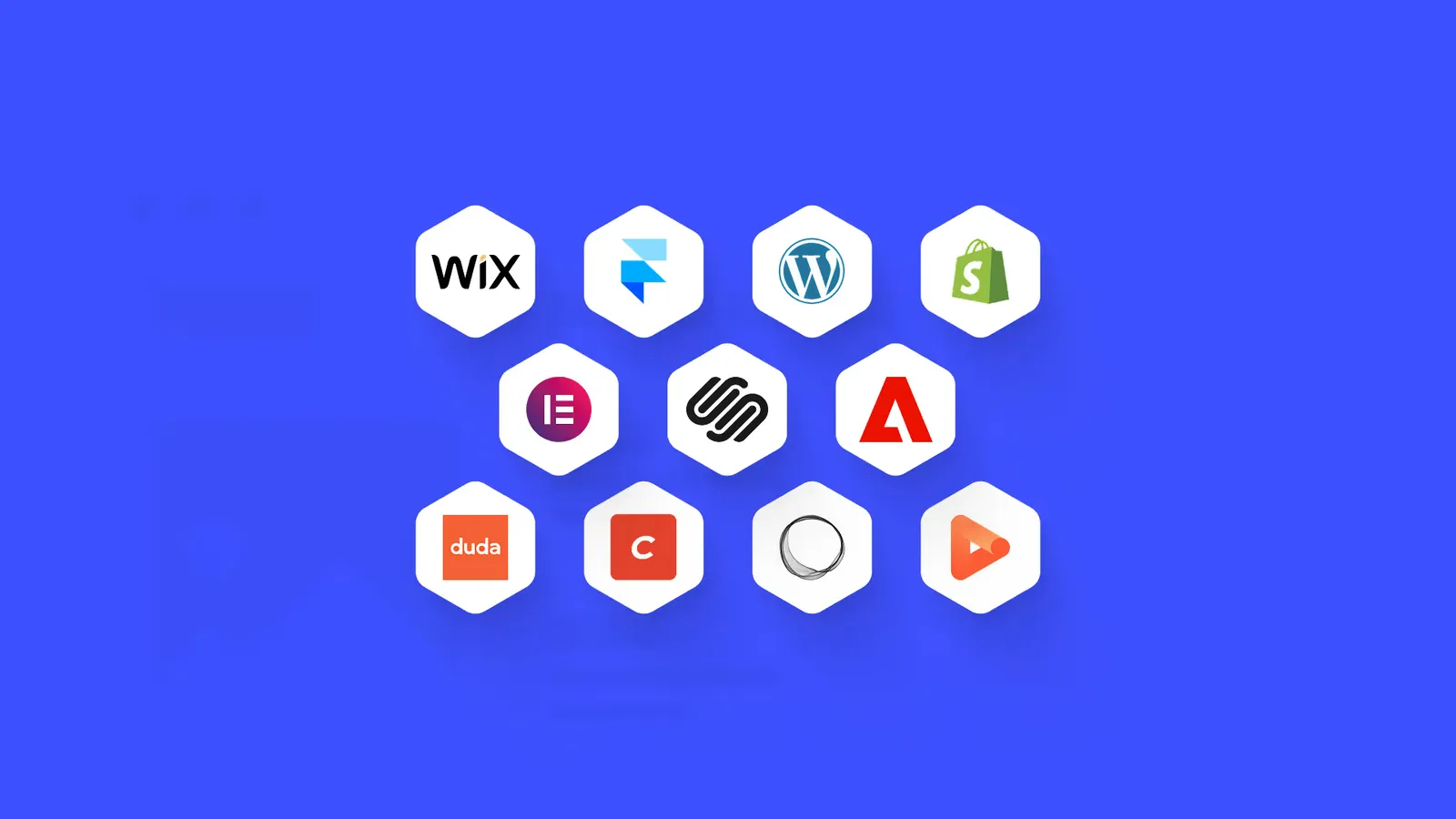
The best CMS systems compared, 2025
We have tested countless CMS systems, including well-known classics such as WordPress and modern solutions such as Webflow or headless CMSs. In this overview, we show which CMS systems of 2025 really impress, including their pros and cons.
Our favourite? We will reveal that at the end (spoiler: it is Webflow). We show the pros and cons briefly and concisely, and why Webflow clearly stands out.
WordPress
WordPress is the most widely used CMS in the world and wins people over with its large community and many extension options. For SMEs, however, it can quickly become complex and maintenance-intensive.
Pros:
- Huge choice of plugins and themes
- Large community and lots of resources
- Flexibly extensible
Cons:
- Regular updates and maintenance required
- Security risks from plugins
- Often slow load times without optimisation Still widespread, but outdated. Frequent updates, plugin dependence and technical complexity make WordPress unnecessarily demanding for many SMEs. ➡️ Webflow vs. WordPress
Framer
Framer is aimed at designers who want to turn pixel-perfect prototypes directly into websites. The tool is powerful, but not entirely beginner-friendly.
Pros:
- Modern interface with React-based code
- Lots of design components out of the box
- Ideal for interactive prototypes
Cons:
- Steep learning curve for non-designers
- Limited CMS features
- Less suitable for scalable projects A modern tool with a strong focus on design. Technically powerful, but hard for beginners to get into. ➡️ Webflow vs. Framer
Squarespace
Squarespace is particularly popular with creatives because websites can be built quickly. For individual requirements, however, it soon reaches its limits.
Pros:
- Easy start with templates
- Built-in hosting and support
- Ideal for small portfolios and blogs
Cons:
- Limited design freedom
- Little control over the technical set-up
- Limited SEO options A quick start for beginners, but little design freedom. Templates are often restrictive. ➡️ Webflow vs. Squarespace
Elementor
Elementor is a page builder for WordPress that opens up lots of design options. Even so, you remain in the WordPress universe with all its weaknesses.
Pros:
- Intuitive drag and drop for WordPress
- Lots of design templates and widgets
- Large user base
Cons:
- Dependence on WordPress and plugins
- Performance problems on complex pages
- Maintenance effort remains A plugin for WordPress: it brings design options but remains dependent on the WordPress ecosystem. ➡️ Webflow vs. Elementor
Shopify
Shopify is the leading e-commerce CMS and ideal for online shops. For classic websites, however, it is only partly suitable.
Pros:
- Quick start in online retail
- Extensive payment and shipping options
- Lots of apps & integrations
Cons:
- Limited design customisation
- Additional costs for themes & apps
- Less suitable for company websites Ideal for e-commerce, but not for complex websites outside online retail.
Content Hub (HubSpot CMS)
HubSpot's CMS is particularly attractive for companies that already use HubSpot's CRM. It is highly integrated but not very flexible.
Pros:
- Seamless connection with HubSpot CRM
- Simple interface
- Ideal for inbound marketing
Cons:
- Limited design and CMS features
- Expensive pricing structure
- Not a full replacement for a flexible CMS Highly integrated into the HubSpot ecosystem, but expensive and very limited in design.
Craft CMS
Craft CMS offers great flexibility for developers and individual requirements. For SMEs without a tech team, however, it is often too complex.
Pros:
- Highly customisable
- Developer-friendly
- Lots of professional features
Cons:
- Technical know-how required
- No visual editing
- More effort for updates & maintenance Very flexible, but only usable in a meaningful way with developer know-how. A high barrier to entry.
Duda
Duda is aimed at agencies and small businesses that want to create simple websites by drag and drop.
Pros:
- Fast delivery of simple sites
- White-label feature for agencies
- Mobile-optimised templates
Cons:
- Limited design options
- Not suitable for complex page structures
- The back end feels dated in places A drag-and-drop builder with limited design freedom. Not always intuitive to use.
Ghost
Ghost is a lean CMS designed specifically for blogging and publishing. For company websites, it is usually not enough.
Pros:
- Very fast and lightweight
- Focus on content and blogging
- Open source
Cons:
- Hardly any design customisation possible
- Few CMS features for complex sites
- No visual editing Minimalist, ideal for pure blogs. Unsuitable for professional websites.
Headless CMS (e.g. Contentful, Sanity)
Headless CMSs decouple content and presentation, which is ideal for complex digital ecosystems. For SMEs, they are usually too technical.
Pros:
- Maximum flexibility for developers
- Ideal for multichannel publishing
- Front end can be customised as needed
Cons:
- High implementation effort
- Technical know-how is essential
- No visual interface Very flexible and scalable, but only with a development team. Too complex for most SMEs.
Adobe Commerce
Adobe Commerce (formerly Magento) is an enterprise CMS for large online retailers. Complex and expensive, but very powerful.
Pros:
- Extremely scalable
- Lots of features for complex e-commerce projects
- API-first approach
Cons:
- Very high entry costs
- Long development cycles
- Only makes sense with a big budget An enterprise-level e-commerce system. Expensive and technically demanding.
Joomla, Hyvor Blogs, Blogger, Wix
These systems offer simple entry-level options for blogs or small sites. For professional SME websites, however, they are hardly suitable.
Pros:
- Low barrier to entry
- Partly free to use
- Enough for simple sites
Cons:
- Limited scalability
- Outdated technology or limited features
- Not suitable for growth-oriented companies They all have their niches, but none of them fully meets the demands of modern, scalable business websites.
➡️ The best WordPress alternatives 2025 ➡️ You can find more information on the best CMS systems on the market in our comparison articles.
Conclusion: Webflow is the best CMS for SMEs & startups
Whether a startup with a landing page or an SME with a multilingual website: Webflow covers everything modern companies need. No maintenance, no technical hurdles, maximum flexibility.
And best of all: as an official Webflow agency, we build your website from A to Z, including strategy, design, CMS set-up and ongoing support.
➡️ Request a free consultation now ➡️ Webflow support for your project